Google Home Devices Pair Gemini Features With Best Buy Discounts
A connected home starts with a useful first device
Google Home’s strongest pitch is the way its devices work together: a thermostat, speaker and cameras can turn separate gadgets into a coordinated home setup. That coordination matters because a single device often has a limited job; a speaker becomes more useful when it can control other equipment, and a camera can fit into a broader routine when its alerts appear in the same app. Best Buy’s current discounts lower the cost of adding those pieces, with the Google Home Speaker at $79.99 and the fourth-generation Nest Learning Thermostat at $219.
The ecosystem’s utility also grows as Google adds Gemini for Home features. Camera alerts and notifications now offer capabilities that weren’t available a year or two ago, with controls gathered in the Google Home app. That gives a new camera or doorbell more value when it joins an existing setup, although the appeal depends on whether you want those notifications and controls in the first place. A connected system is useful when it reduces friction; adding devices just to have more devices can do the opposite.
Start with the room’s main job
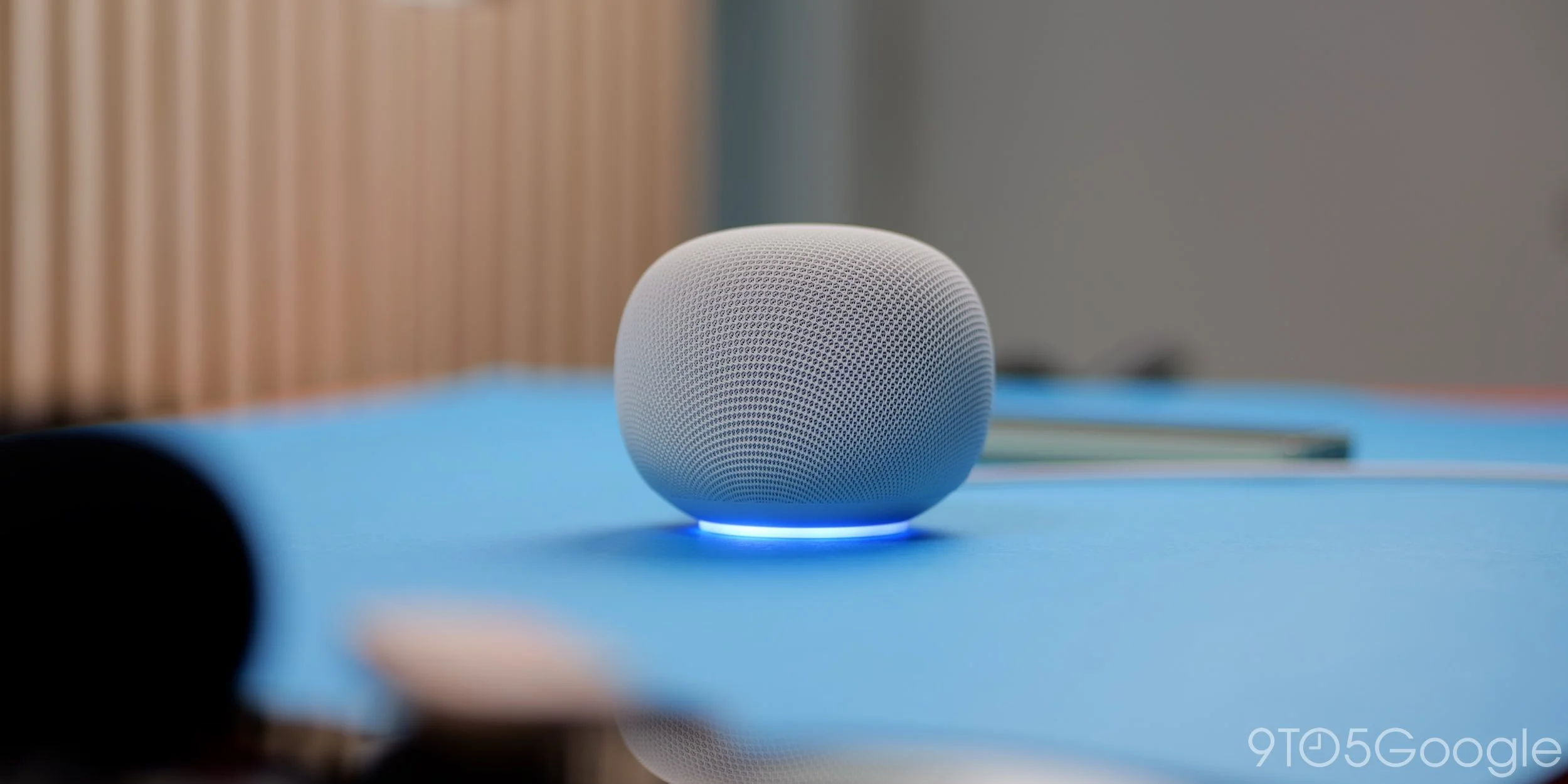
For a first device, the Google Home Speaker is a practical choice for someone who wants music and voice control in one unit. Its 360-degree audio is designed to fill a room, which makes placement less dependent on aiming the speaker toward a particular seat. It can also control other connected devices as the setup expands, giving it a role beyond playing music. And it can join a stereo configuration with the Google TV Streamer, which may appeal to someone building around both listening and television.
Best Buy has the speaker for $79.99, a $20 reduction and its lowest price there, according to the source. Color options include Berry and Jade, alongside Porcelain and Hazel. The price cut makes the speaker a less expensive entry point, but the more relevant question is whether voice control and the wider Google Home setup fit your habits. A discount can make a useful purchase cheaper; it can’t make an unnecessary one useful.
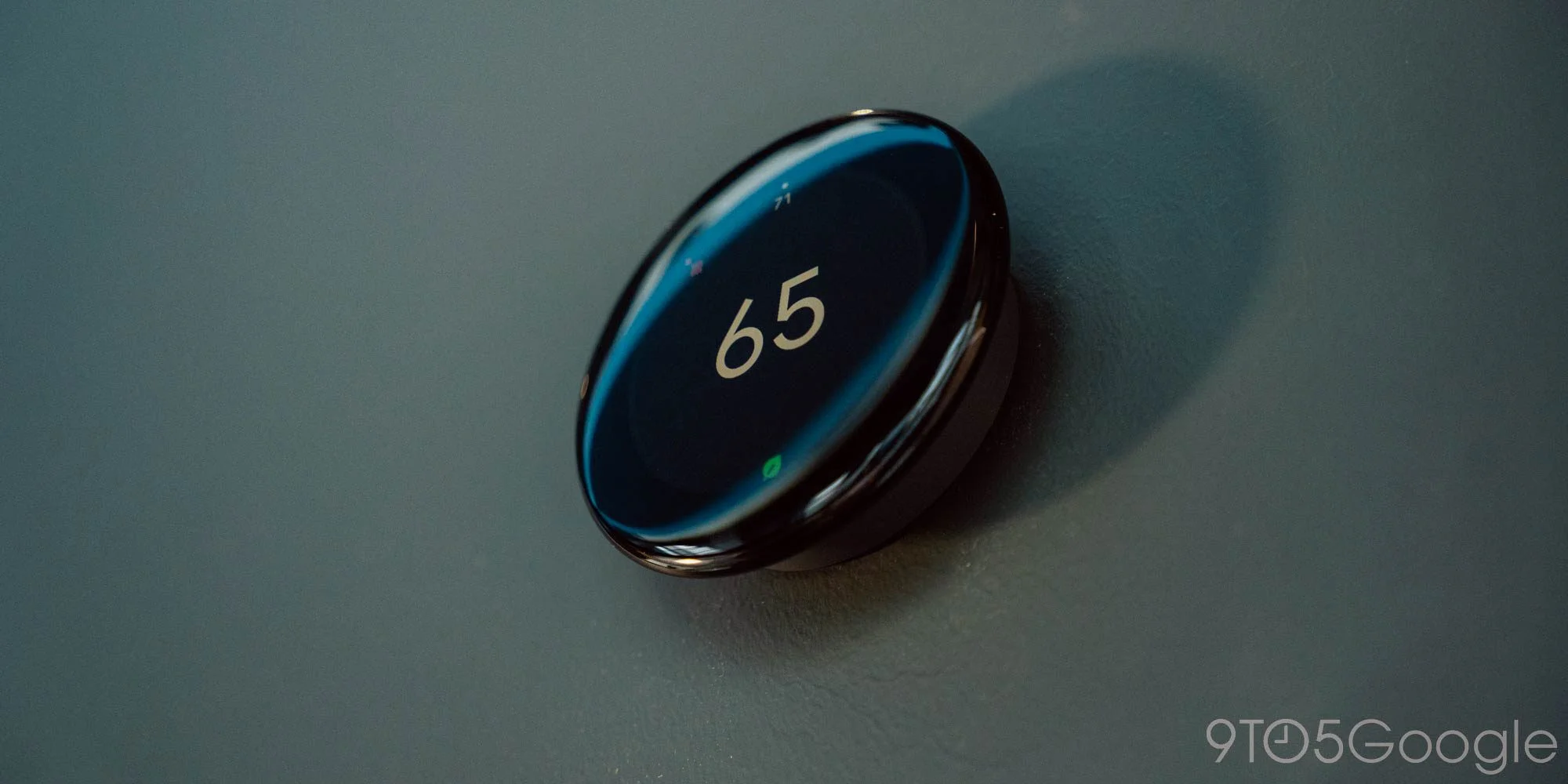
For a home focused on heating and cooling, the Nest Learning Thermostat (4th gen) and Nest Thermostat are both starting points. The Learning model works with most HVAC systems and connects their controls through the Google Home app. It also learns household heating and cooling patterns over time to build schedules intended to reduce energy use and daily adjustments. That kind of automation is most appealing when the household has repeatable routines, though the source doesn’t quantify potential savings. Compatibility is also a practical first check: a thermostat’s features only matter if it works with the home’s existing system.
The fourth-generation Learning Thermostat is $219 at Best Buy, down from $279. That’s a $60 discount and the store’s best price on the model so far, based on the source. The discount is substantial in dollars, but it still leaves a decision about whether adaptive scheduling and app controls are worth paying for in a particular home. The less expensive route is to compare the thermostat options against the functions you’ll actually use.
Add cameras where they make sense
Once a home has a speaker or thermostat, cameras can extend the system to entryways and indoor spaces. Google offers Nest Cams for indoor and outdoor use, plus wired and battery-powered Nest Doorbells. The battery doorbell suits places with limited wiring, including apartments; the wired version is a better fit for homes where continuous recording is a priority. Those installation differences can matter more than a feature list, since a camera that’s awkward to power or mount is less likely to suit the space.
Best Buy is also offering a $100 discount when Nest Cams are added to a cart with the Nest Learning Thermostat. For a gift that combines climate control and home monitoring, that bundle may be more useful than buying a single device. Here’s the thing: a bundle’s headline discount doesn’t tell you whether its components match the recipient’s needs. If you’re buying for someone else, the value comes from solving two real household needs, not simply from putting multiple boxes together.
Other current options include the wired Nest Doorbell, the battery Nest Doorbell, and indoor and outdoor Nest Cams. The Nest Cam with Floodlight is another option when exterior lighting and camera coverage would serve more than one purpose. These choices point to a straightforward way to narrow the field: decide where you need coverage, then consider the available power and mounting options. A camera’s placement shapes how useful its alerts will be.
The value is in the connections
Google’s connected home becomes more useful as these devices accumulate, while Gemini for Home adds new camera alerts through the same app. This is more significant than it looks: putting controls and notifications in one place can reduce the effort involved in managing devices from different rooms. And yet, the benefit depends on how well the system fits a household’s routines, and on whether the added alerts are helpful rather than distracting. The ecosystem’s promise is coordination; the actual payoff comes from choosing devices with clear roles.
Best Buy lists other Google smart home offers; its deals may change, so check the listing for current prices. That’s especially relevant when a purchase depends on a bundle or a specific discount, since the listed terms are part of the product’s appeal. The numbers here are useful for comparison, but they don’t settle the larger question of fit.
Start with the task that needs attention, whether that’s music and voice control, temperature management, or a view of the front door. Add connected devices only when they improve that task or make an existing setup easier to use. Fewer devices, chosen well.