MacBook Pro PROLED XDR Accessories: Chargers, Docks and Desk Essentials
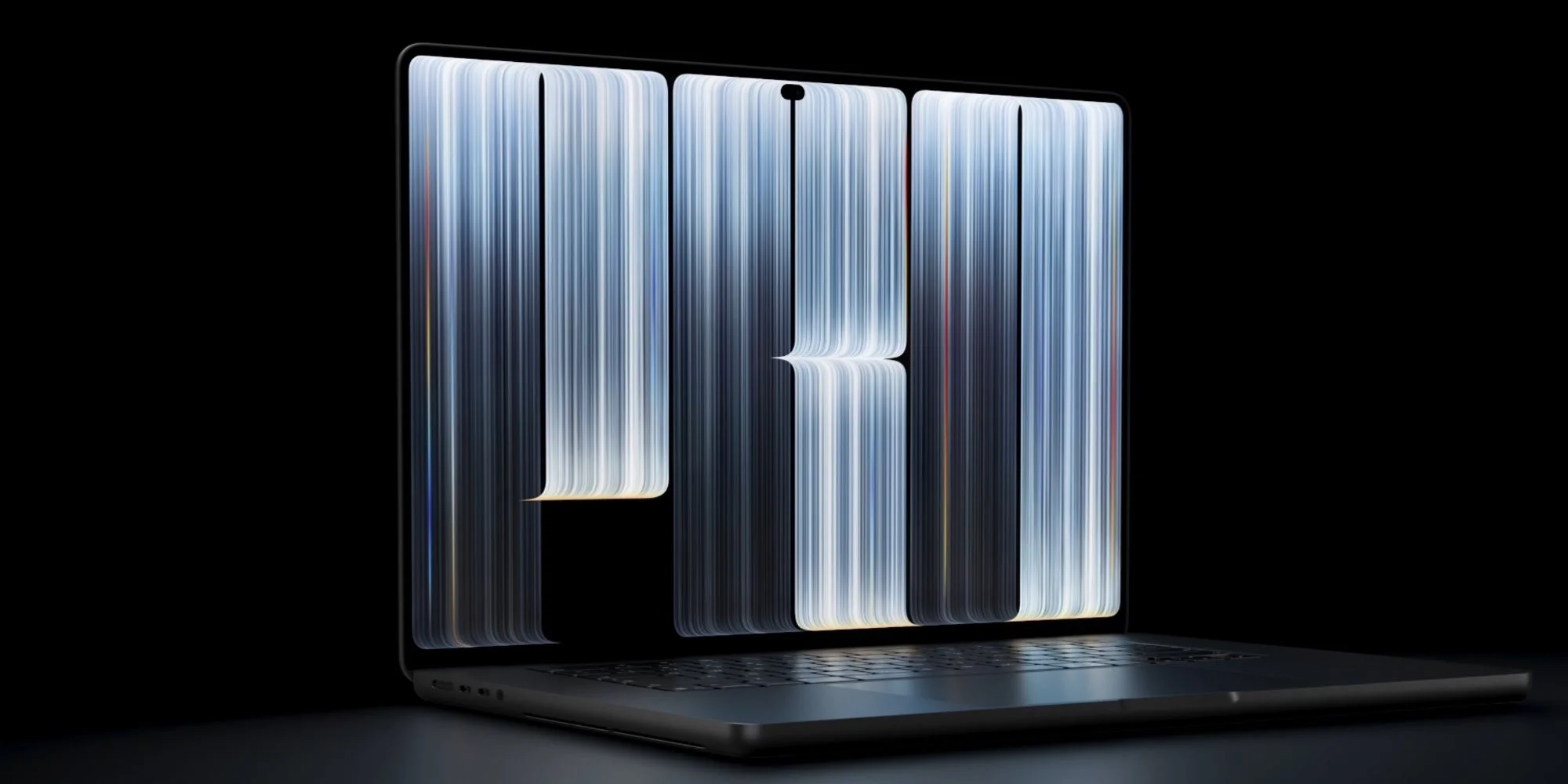
The new MacBook Pro with PROLED XDR arrives in stores this Friday. Its built-in ports and trackpad cover plenty of daily work, but a few well-chosen accessories can make charging, desk setups and travel more convenient. The trick is to match each add-on to a real routine: a charger for days when time is short, a dock for a desk that stays put, or a stand for long stretches of screen work. You don’t need to rebuild your setup just because a new laptop is arriving. These are the picks I’d consider first.
Start with how you use the laptop
MacBook Pro accessories tend to solve practical friction points rather than transform the computer itself. Some make a familiar task quicker; others only earn their space if your work pattern calls for them. If you’re mostly working on the go, portability and charging matter more than a permanent dock. At a desk, a raised display and a separate pointer can make the built-in hardware feel less central.
That distinction matters because the list spans different kinds of needs, from a relatively inexpensive cable to a more involved desk setup. Prices and discounts can change, so the listed amounts are best treated as snapshots. The useful question is whether an accessory solves a recurring annoyance. A bargain that stays in a drawer isn’t much of a bargain.
Fast charging for the moments that count
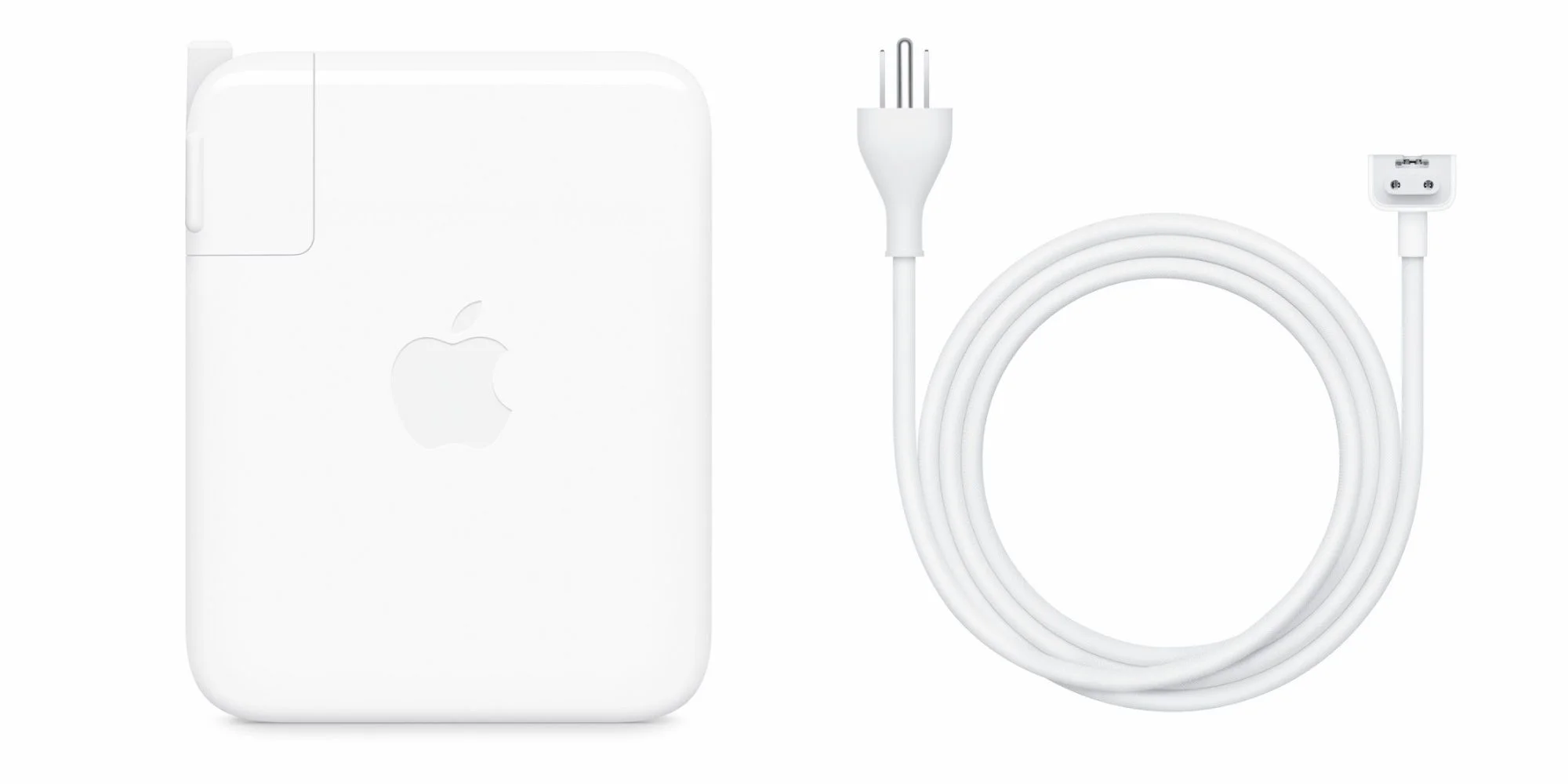
The lighter MacBook Pro retains the battery life of earlier models, but long battery life doesn’t eliminate the occasional low-charge scramble. The new model can reach 50 percent charge in 30 minutes when paired with a sufficiently powerful adapter; the charger included in the box won’t provide that speed. That makes fast charging a convenience for compressed schedules, not a reason to expect every short plug-in to solve a depleted battery.
Apple recommends a 96W Power Adapter for the 14-inch model and a 140W Power Adapter for the 16-inch version. For a more flexible setup, the Anker 100W USB-C fast charging power adapter is listed at $30. Apple’s Power Adapter Extension Cable (AC Connector 2) costs $19 and can make a wall outlet easier to reach. If your usual outlet is behind furniture or far from the desk, the extension cable may be the more noticeable upgrade day to day.
The numbers here are underwhelming if you’re hoping for a single charger to solve every power problem: the adapter still has to be appropriate to the laptop and the situation. But for travel or a shared workspace, a compact third-party option can be easier to justify than buying an extra Apple charger for every location.
Choose a pointer for your work style
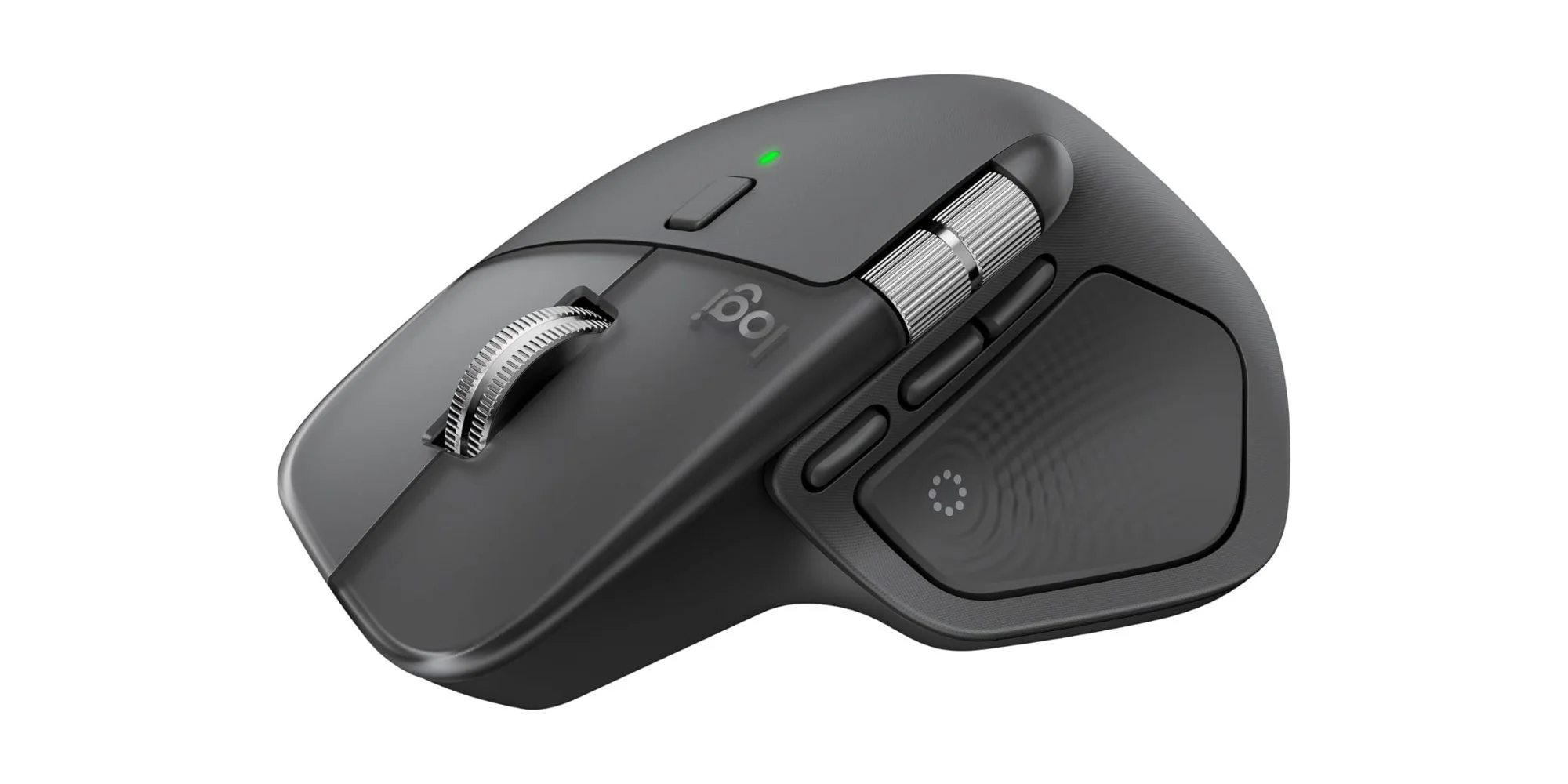
Apple’s built-in trackpad is capable, but extended desk work may call for a mouse. Logitech’s MX Master 4 is the latest follow-up to the popular MX Master 3, and it’s listed at $119. A mouse can suit work that involves frequent pointer movement or a stationary desk routine, though it adds another item to charge or carry. It’s a preference purchase, and the MacBook’s trackpad remains a credible default.
For clamshell setups, Apple’s Magic Trackpad gives you a separate trackpad to use with the MacBook closed. It’s currently listed at $115, down from $129. That arrangement keeps familiar trackpad gestures available when the laptop is connected to an external display. The choice comes down to whether you prefer a mouse’s movement or the gestures you already use on the built-in surface.
Raise the display to desk height
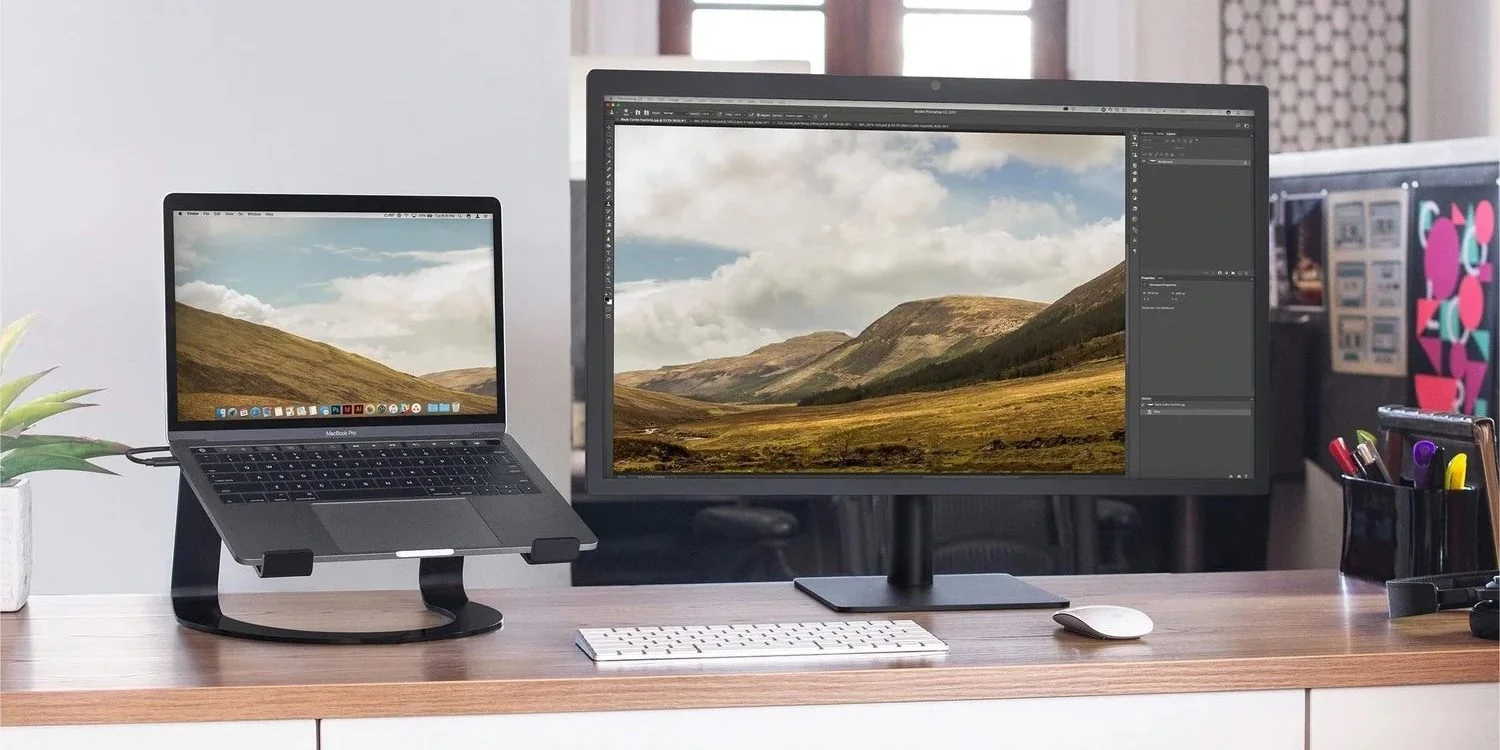
The Twelve South Curve aluminum stand lifts the MacBook Pro six inches above the desk, bringing the display closer to eye level. Its aluminum frame has a spare design, while silicone pads help keep the laptop in place and protect it from scratches. The stand is listed at $59. That height can make the laptop screen easier to view at a fixed desk, especially when you’re not relying on the built-in keyboard for every task.
A stand also changes the shape of a workspace: the laptop takes up a more deliberate position, and you may want an external keyboard and pointer to make the setup comfortable. Here’s the thing: a stand is most useful as part of a desk arrangement, not as an isolated purchase. If you regularly pack up and move, its value may be lower than a compact charger or sleeve.
Add the connections your desk needs
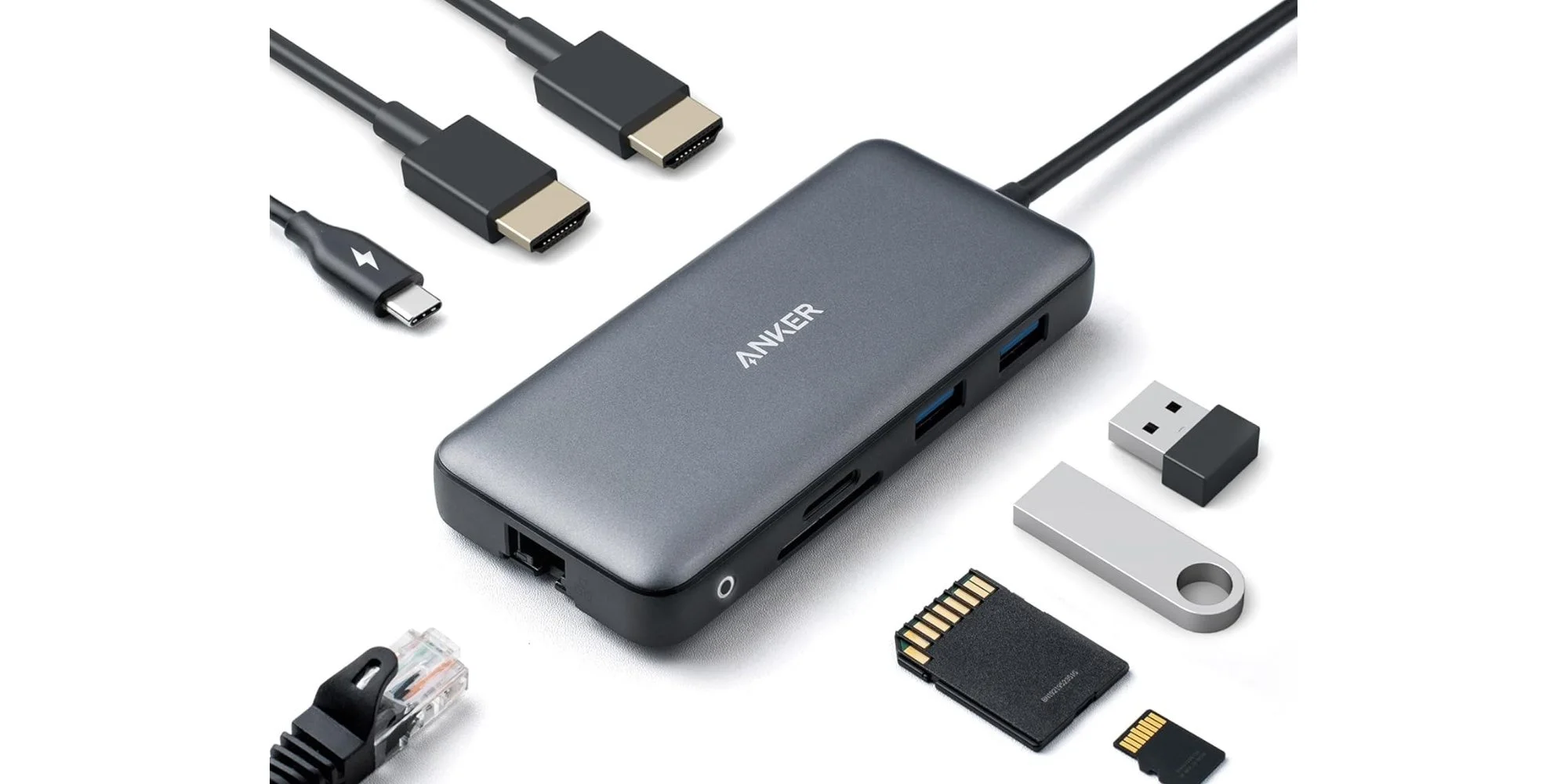
The latest redesign keeps the MacBook Pro’s ports, yet a dock can still simplify a fixed workspace by adding Ethernet, USB-A and other connections. An 8-port Anker USB-C docking station also includes HDMI and SD connections. It’s listed at $39, down from $53. The point of a dock is less about adding ports for their own sake and more about leaving cables and peripherals connected in one place.
For someone who plugs into a monitor, network connection or card reader at the same desk, consolidating those connections can reduce setup friction. For a laptop that mostly moves between rooms, an eight-port hub could be unnecessary bulk. The lower listed price makes the dock easier to consider, but the number of ports only helps if they match the devices you actually use.
AirPods for focused work across Apple devices
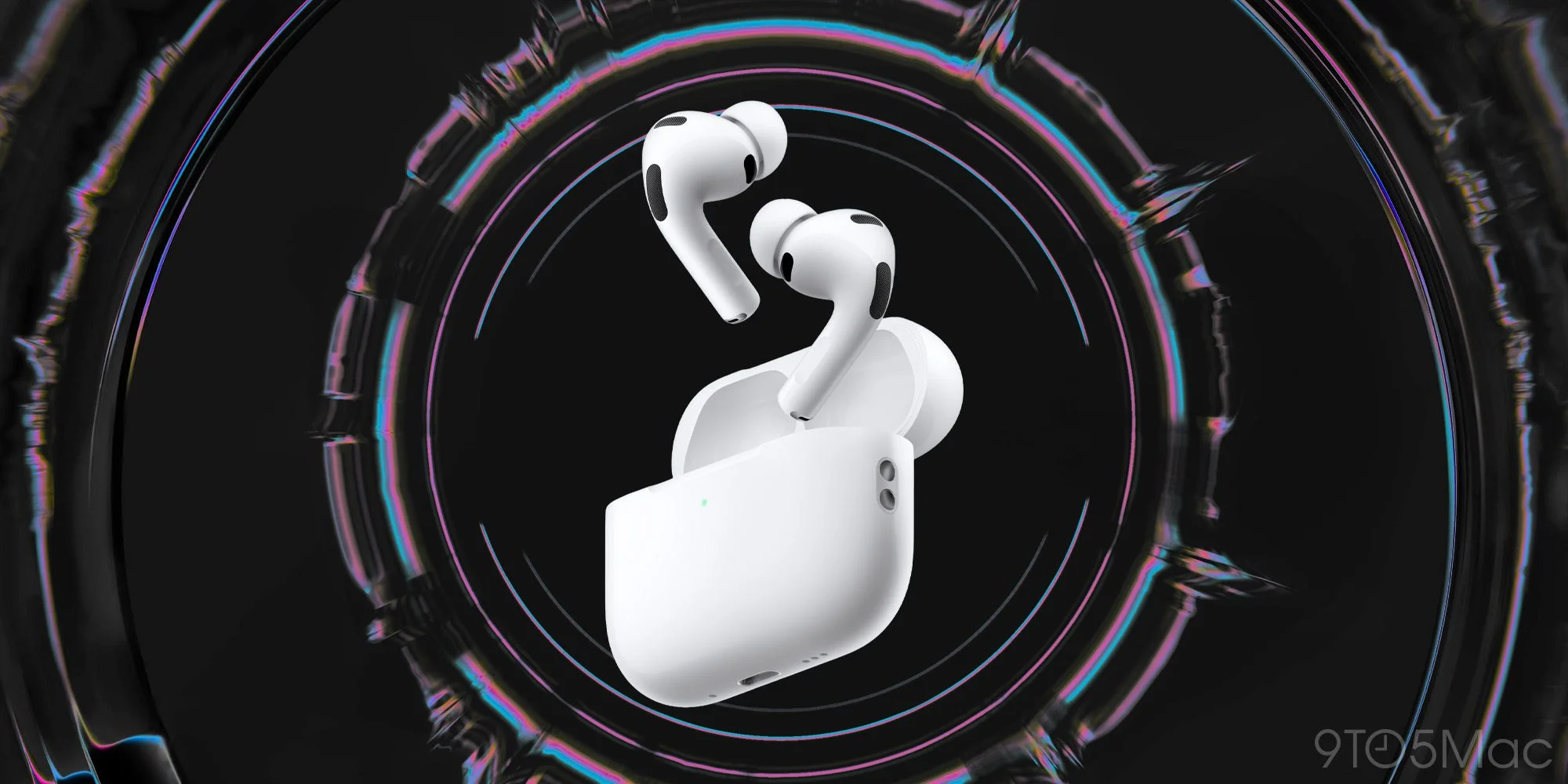
AirPods Pro 3 pair with Mac, iPhone and iPad, making them a practical choice for people who move between Apple devices. Their active noise cancellation can help cut distractions in busy surroundings. They’re currently listed at $199, down from $249. That cross-device use may matter more than any single laptop feature if your day shifts between calls, focused work and other devices.
Noise cancellation can reduce some environmental distraction, but it doesn’t turn a busy space into a private office. And this is the part most people overlook: headphones are useful only if they fit the way you work and the calls you take. If you already own a pair you like, the discount alone is a thin reason to replace them.
A travel adapter kit for international trips
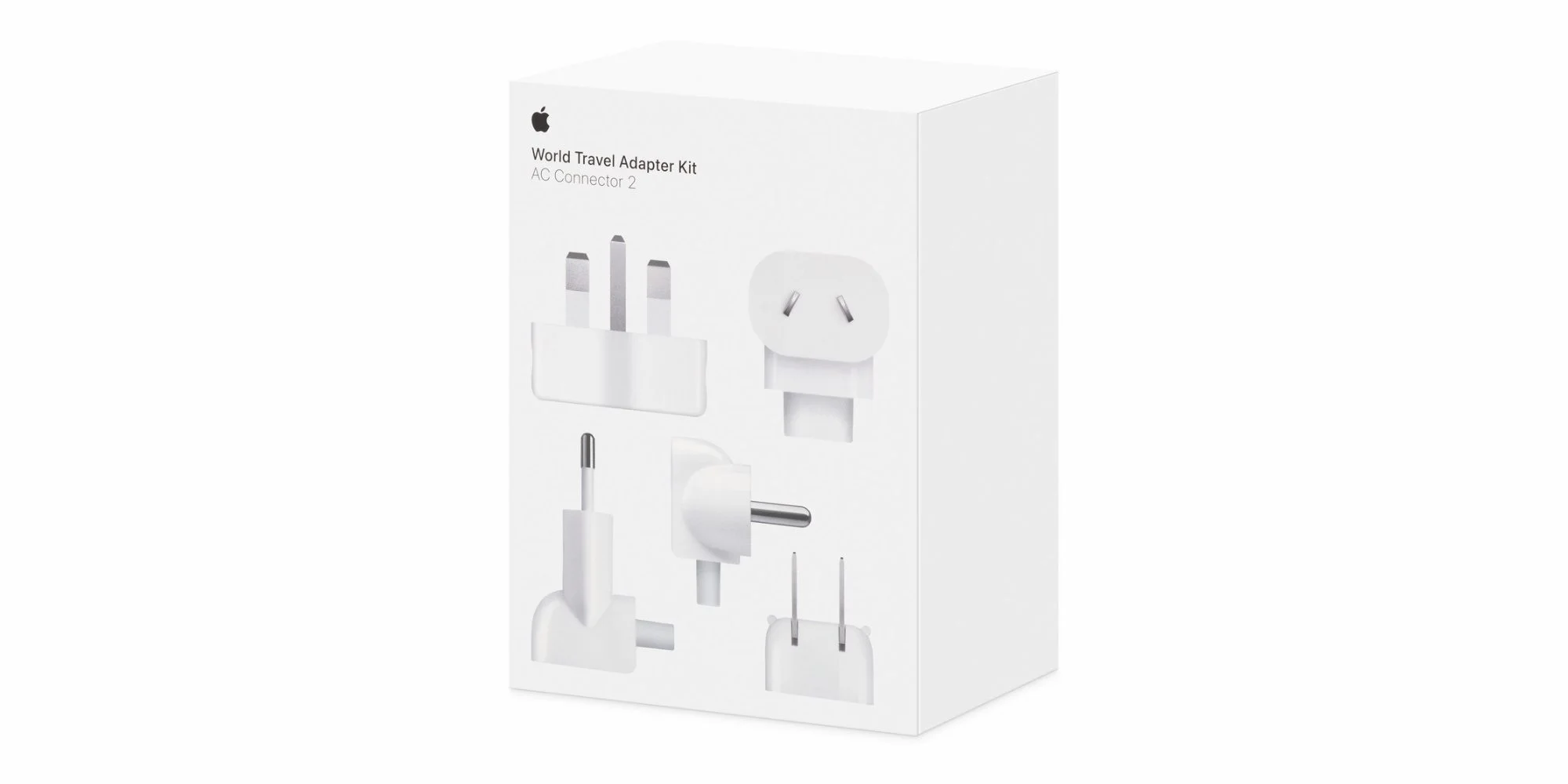
Apple has brought back its World Travel Adapter Kit, which includes five interchangeable plug types:
- Type A: North America and Japan
- Type C: Continental Europe and Brazil
- Type D: India
- Type G: United Kingdom, United Arab Emirates, Saudi Arabia and Singapore
- Type I: Australia and New Zealand
The kit works with AC Connector 2 accessories, addressing the compatibility issue with the earlier version. It’s listed at $39. The interchangeable plugs make the kit relevant to people who travel across regions; for occasional trips to one destination, a single compatible adapter may be enough.
The best accessory is the one that earns its place
For other MacBook Pro additions, options include a tomtoc protective MacBook sleeve bag, the Twelve South BookArc stand, a Satechi SM1 Mechanical Keyboard and the Anker Prime 14-in-1 Thunderbolt 5 Dock. Each points to a different way of using the laptop: in transit, stored vertically, paired with a separate keyboard or connected to a fuller workstation. You don’t need all of them for the MacBook Pro to work well.
The most useful choice depends on where the laptop spends its time: in a bag, on a desk or plugged into a full workstation. That said, a charger or dock can solve a daily inconvenience, while a stand or audio upgrade may be more personal. This is more significant than it looks: choosing around your actual routine keeps a new laptop setup useful instead of turning it into a collection of accessories.
Start with the friction you notice most often. A faster charge, a stable desk position or fewer cable changes may be enough. One good fit.
What are your go-to MacBook Pro accessories? Let us know in the comments.
*Buy Mac with 15% discount from Apple refurbished


FTC: We use income earning auto affiliate links. More.