iOS 27.2 Expands Siri, Adds Message Suggestions and Brings Sports Multiview to iPhone
iOS 27.2 gives the iPhone a more context-aware Siri, adds actions directly to Messages conversations and extends Apple TV’s sports multiview to the phone. The release also brings practical changes to Photos, FaceTime, Games and contact reminders.
The update arrived October 26. Install it from Settings ➝ General ➝ Software Update. Feature availability varies by region and iPhone model; Apple’s feature availability list has details.
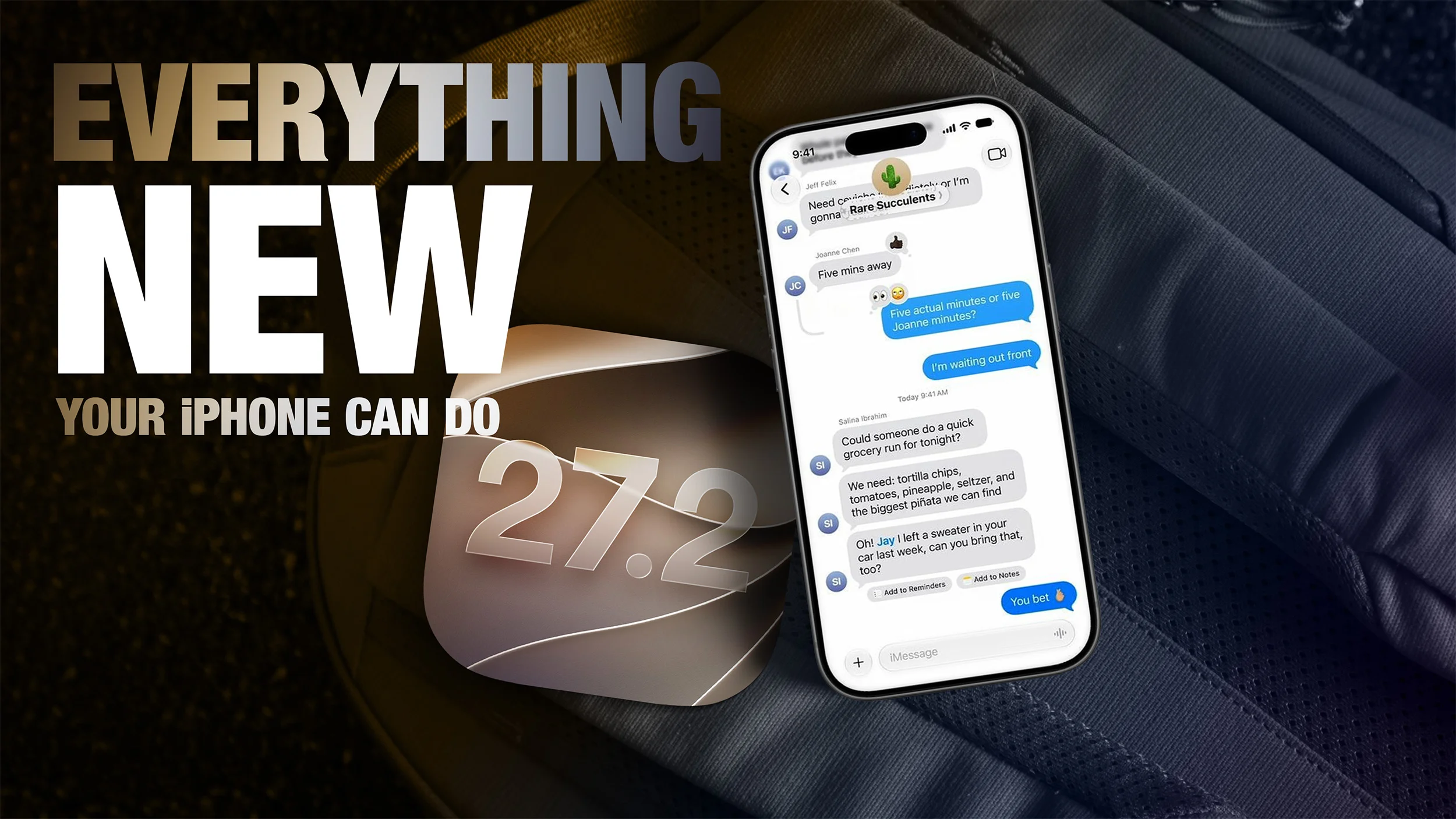
Siri can draw on more of your personal context
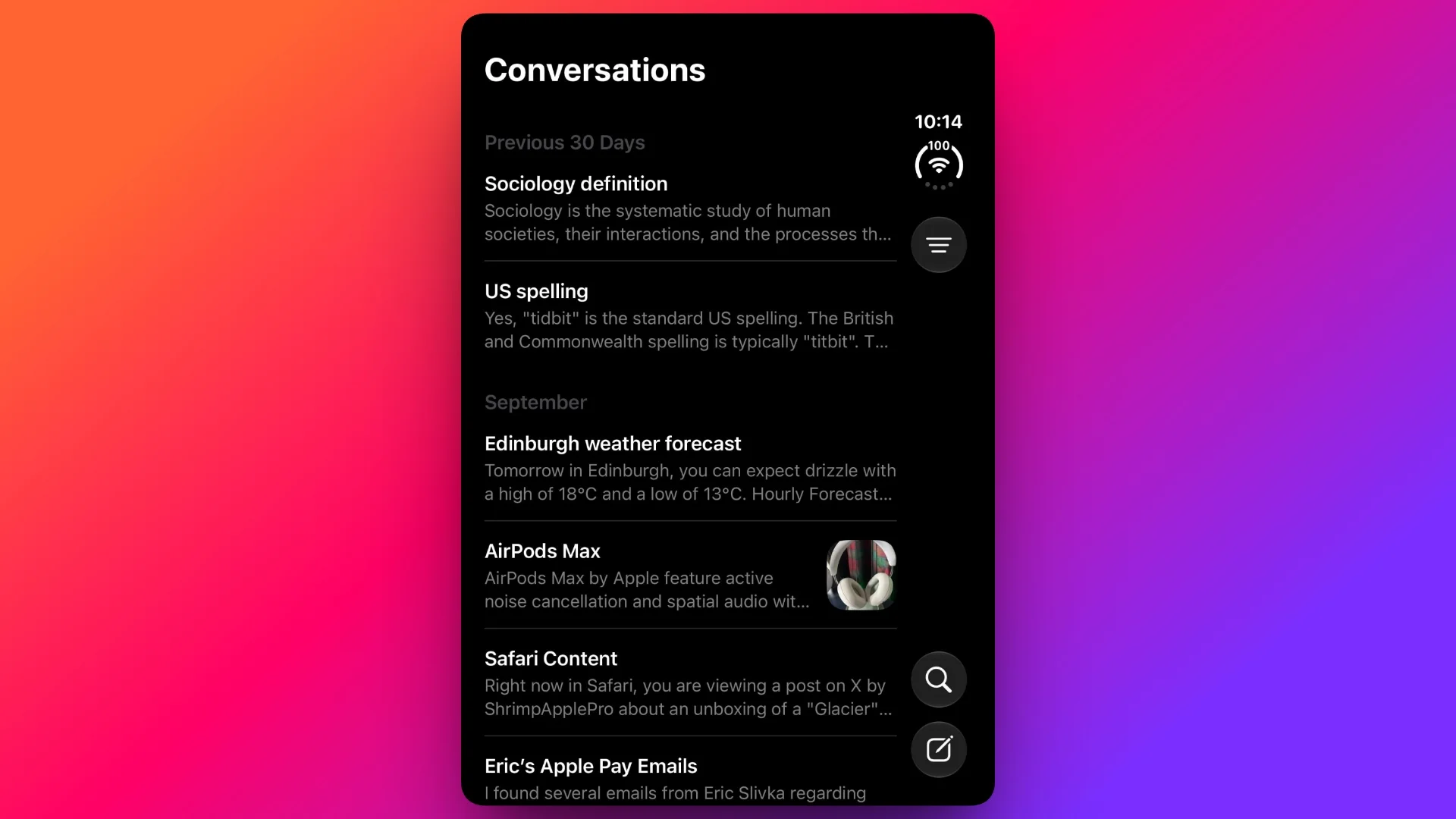
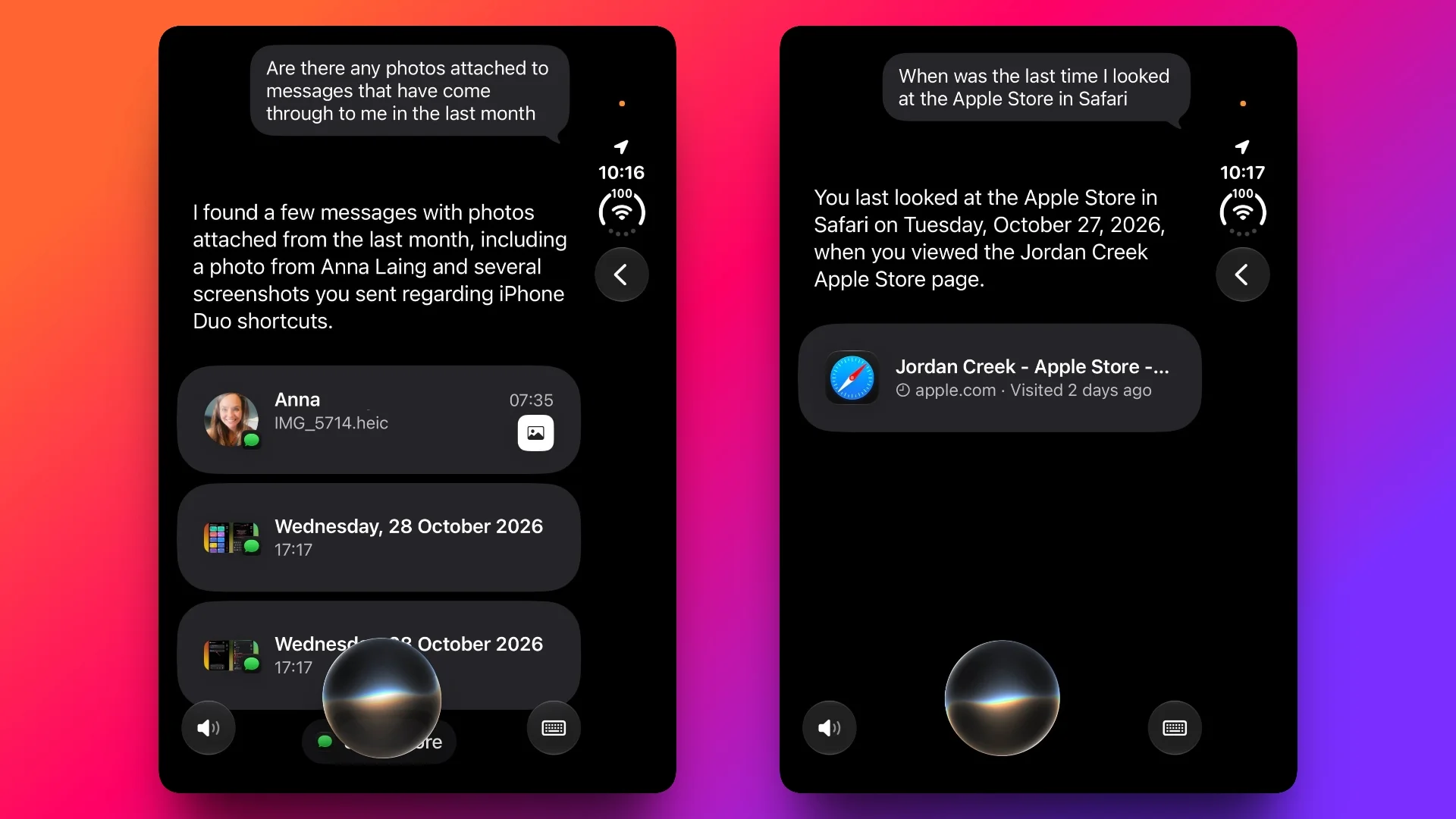
Siri AI can now refer back to previous conversations. Ask it to recall a restaurant it recommended last week, for example, instead of starting the search from scratch. The assistant can also use information from photos attached in Messages, Calendar event attendees and voicemails. Apple says it’s improved results based on Safari history and Reading List, too.
Apple has added French, Japanese, Korean, Portuguese and Spanish to Siri AI’s supported languages, alongside English. The feature isn’t available in the EU or mainland China. Siri AI requires an iPhone 16 or later, or an iPhone 15 Pro or iPhone 15 Pro Max.
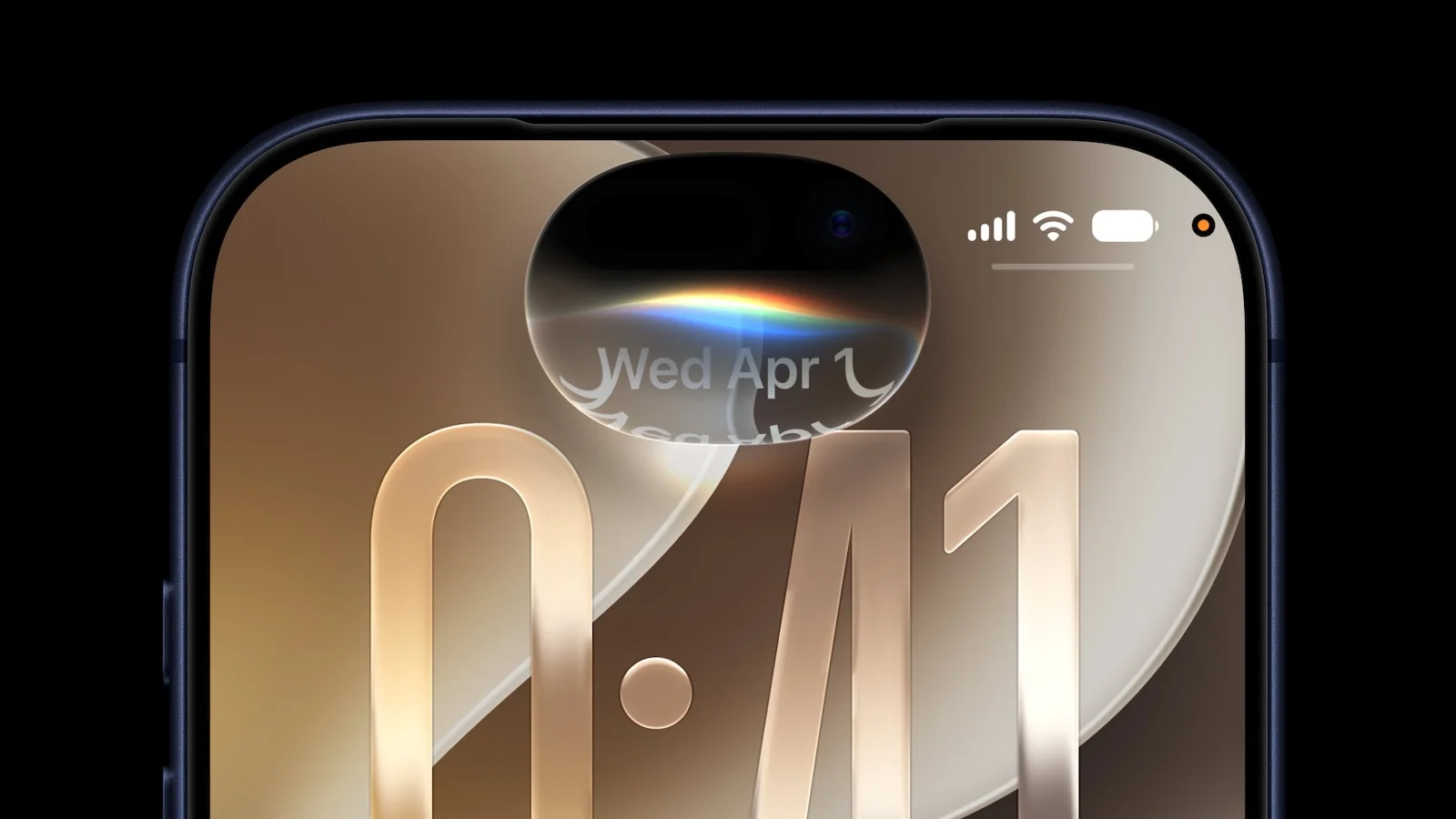
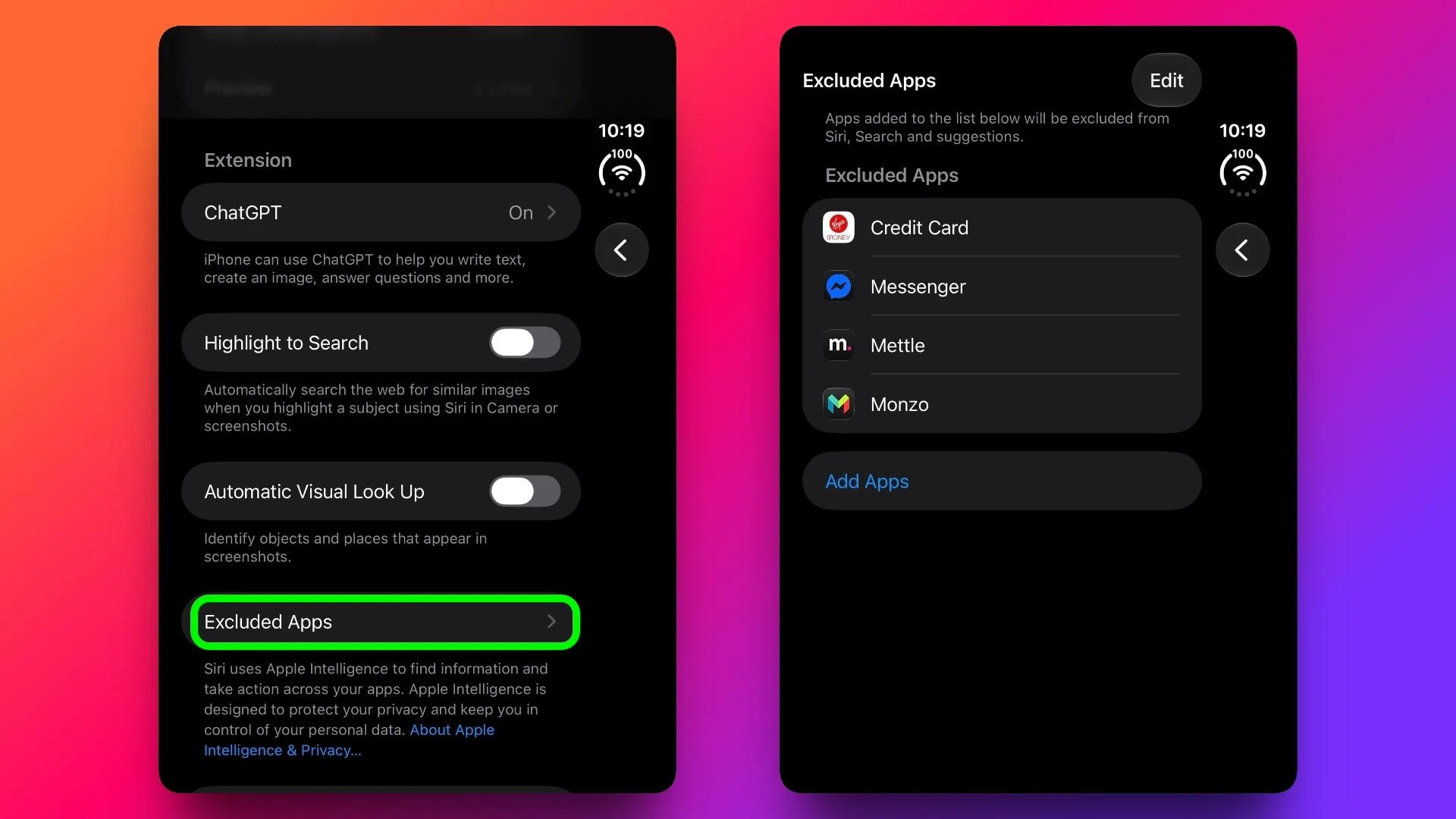
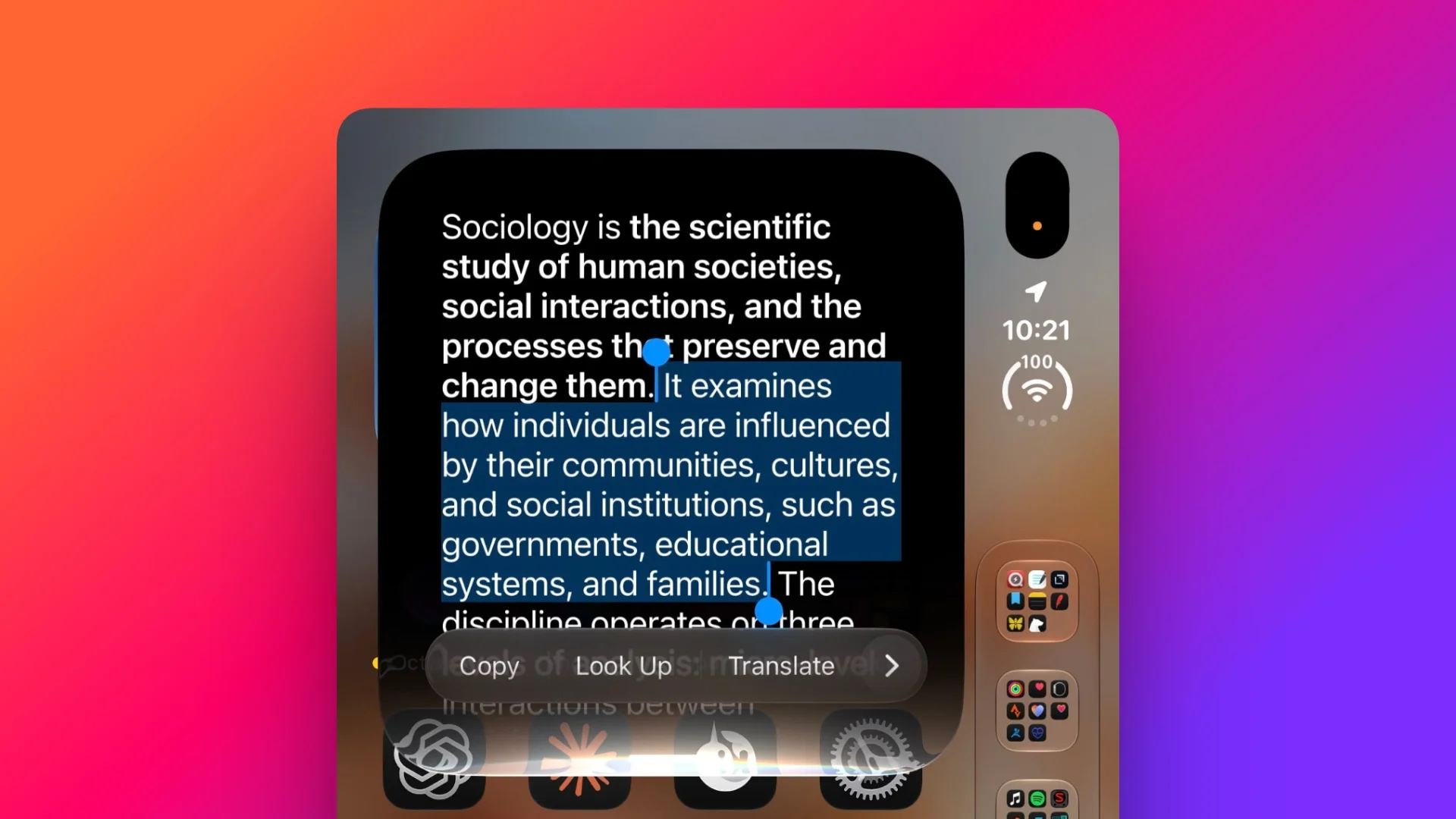
A new Settings list gives users control over which apps Siri, Search and suggestions can access. Find it under Settings ➝ Siri ➝ Excluded Apps. Siri replies also support selecting and copying only the text you need, a small change that makes the assistant’s answers easier to reuse.
Messages and Photos get useful follow-through
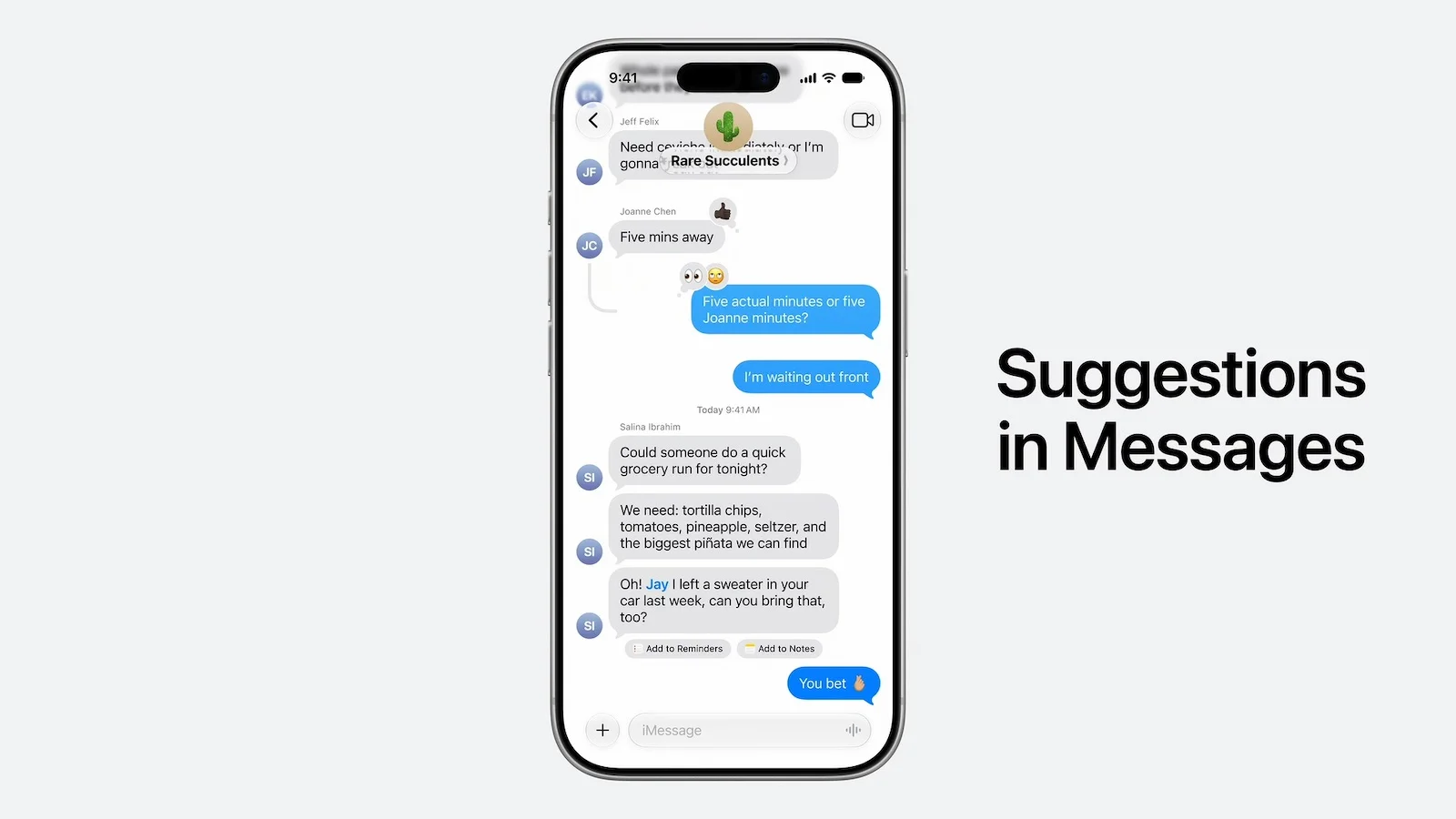
Suggestions in Messages turns conversational details into possible next steps. A dinner plan, for instance, can prompt a Calendar invite; another exchange might suggest saving a Reminder. The feature appeared in iOS 27 beta testing, then was held back from the initial release.
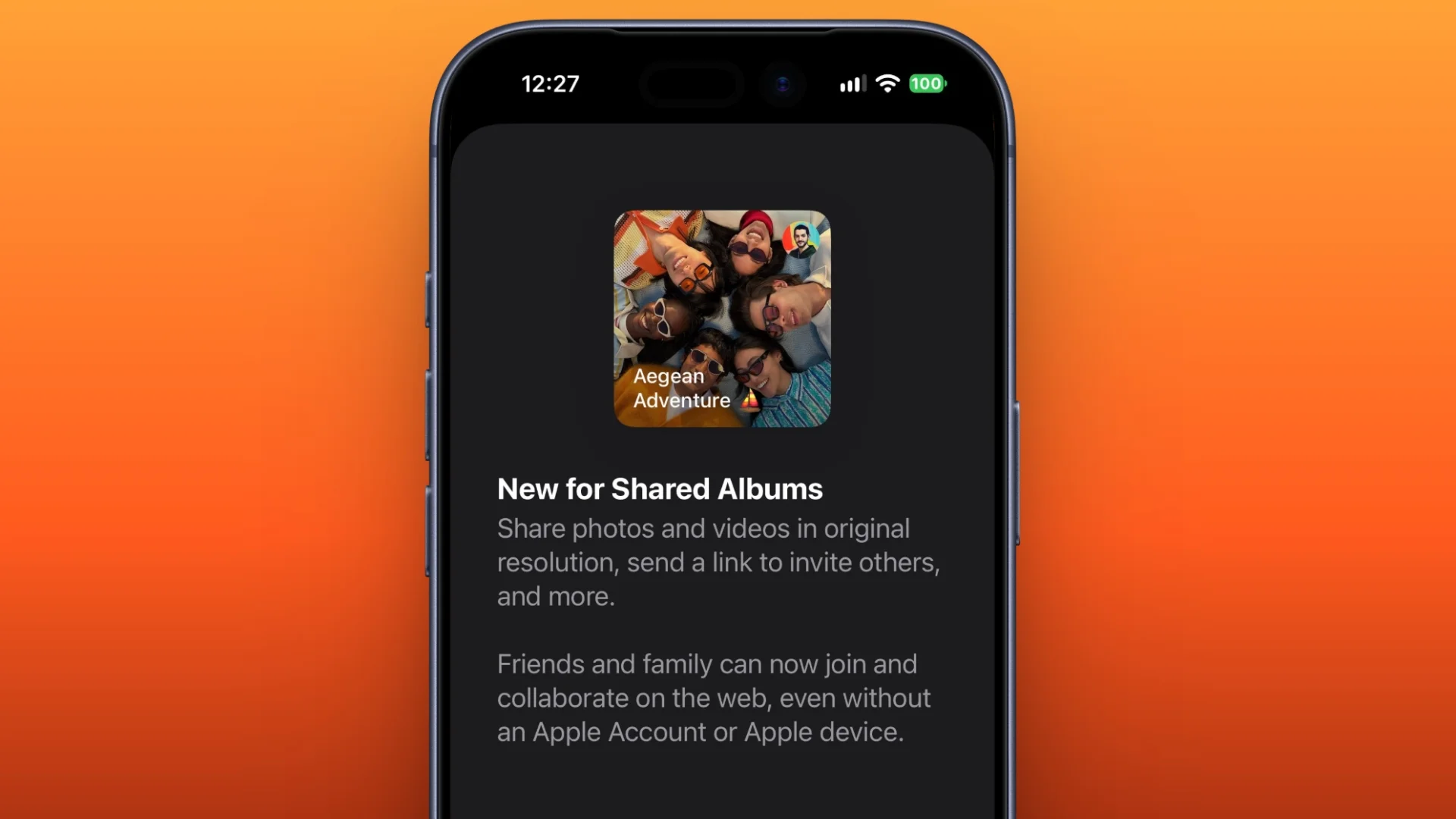
Shared Albums gain editing for captions and comments, duplicate-photo prevention and a reminder before an album expires. That last prompt gives participants a chance to save photos and videos they want to keep.
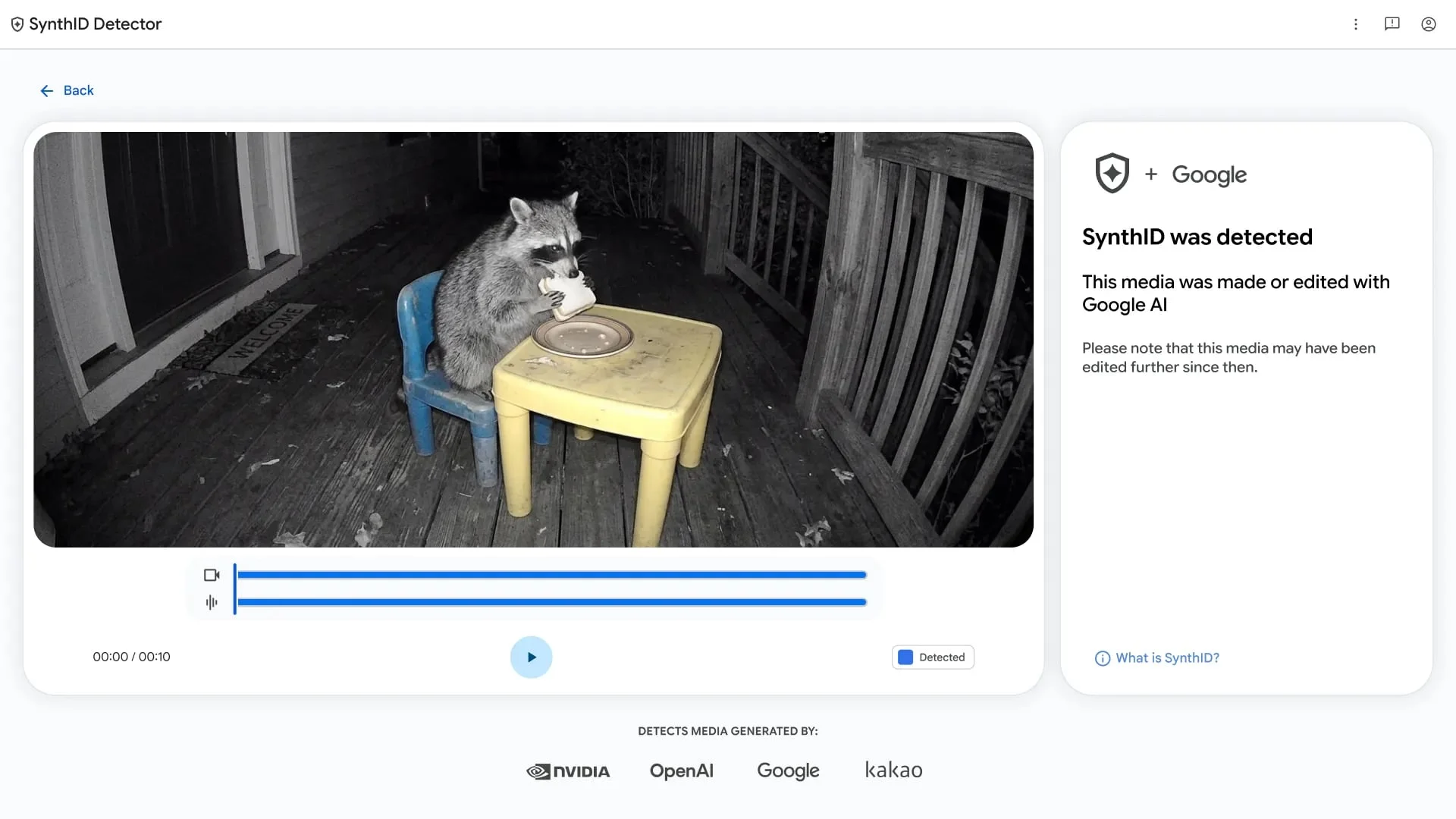
Photos and Image Playground can now identify images carrying SynthID watermarks, which are intended to indicate that an image was generated or modified with generative tools.
Sports and video calls expand across devices
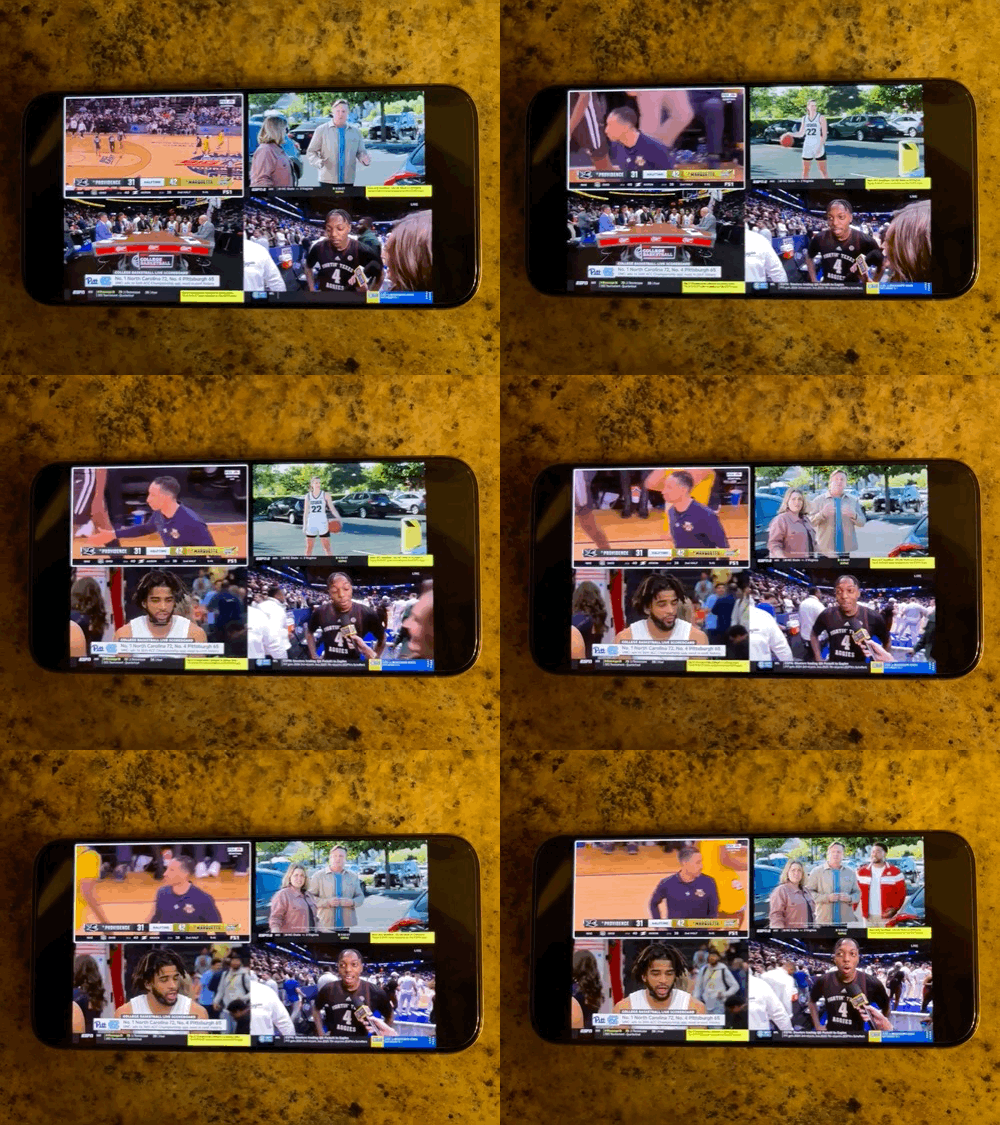
Apple TV’s Multiview now works on iPhone, with up to four live sports streams on screen at once. It covers events included with an Apple TV subscription: Major League Soccer, Formula 1 in the U.S., and Friday Night Baseball doubleheaders during the Major League Baseball season.
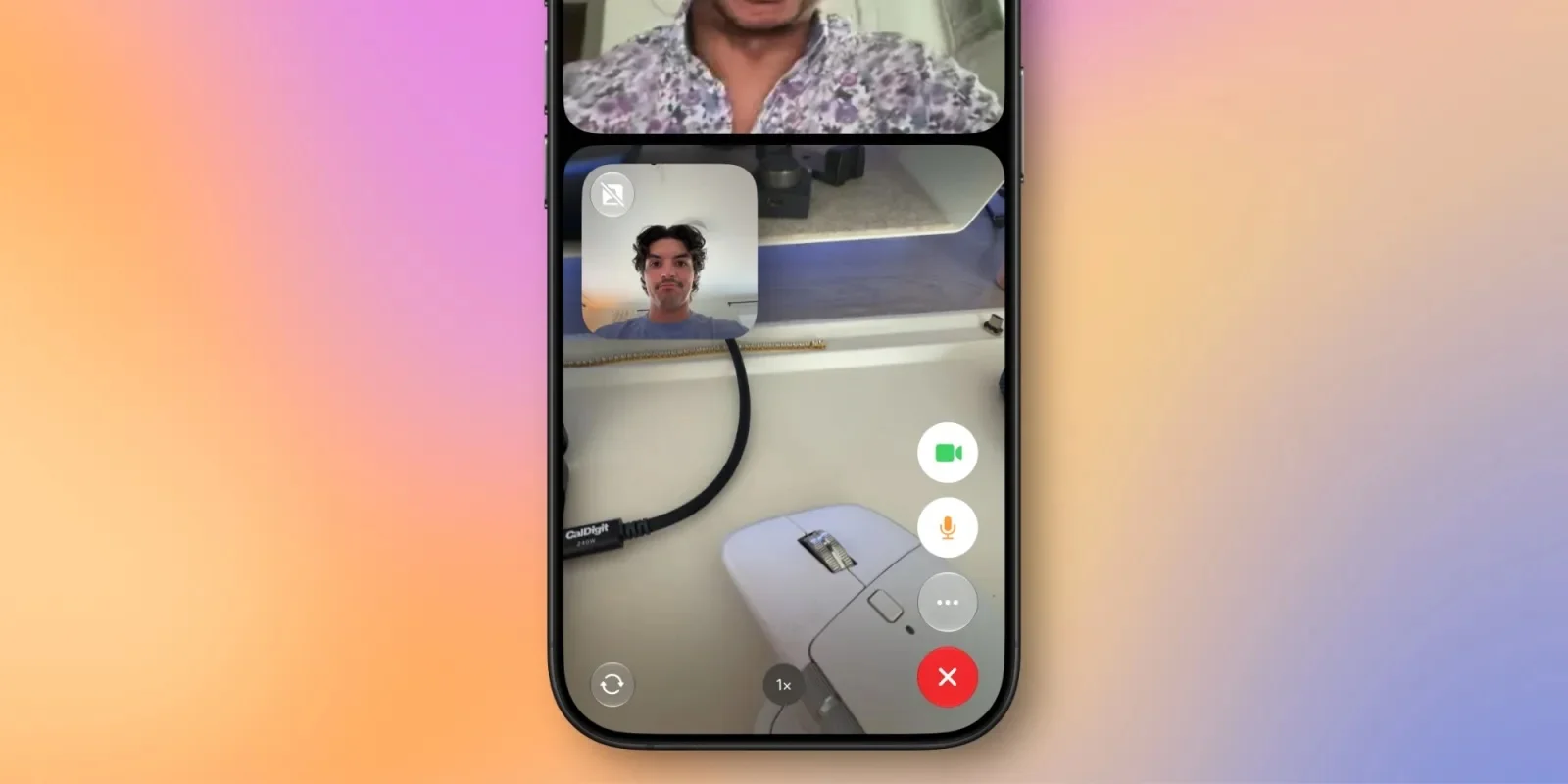
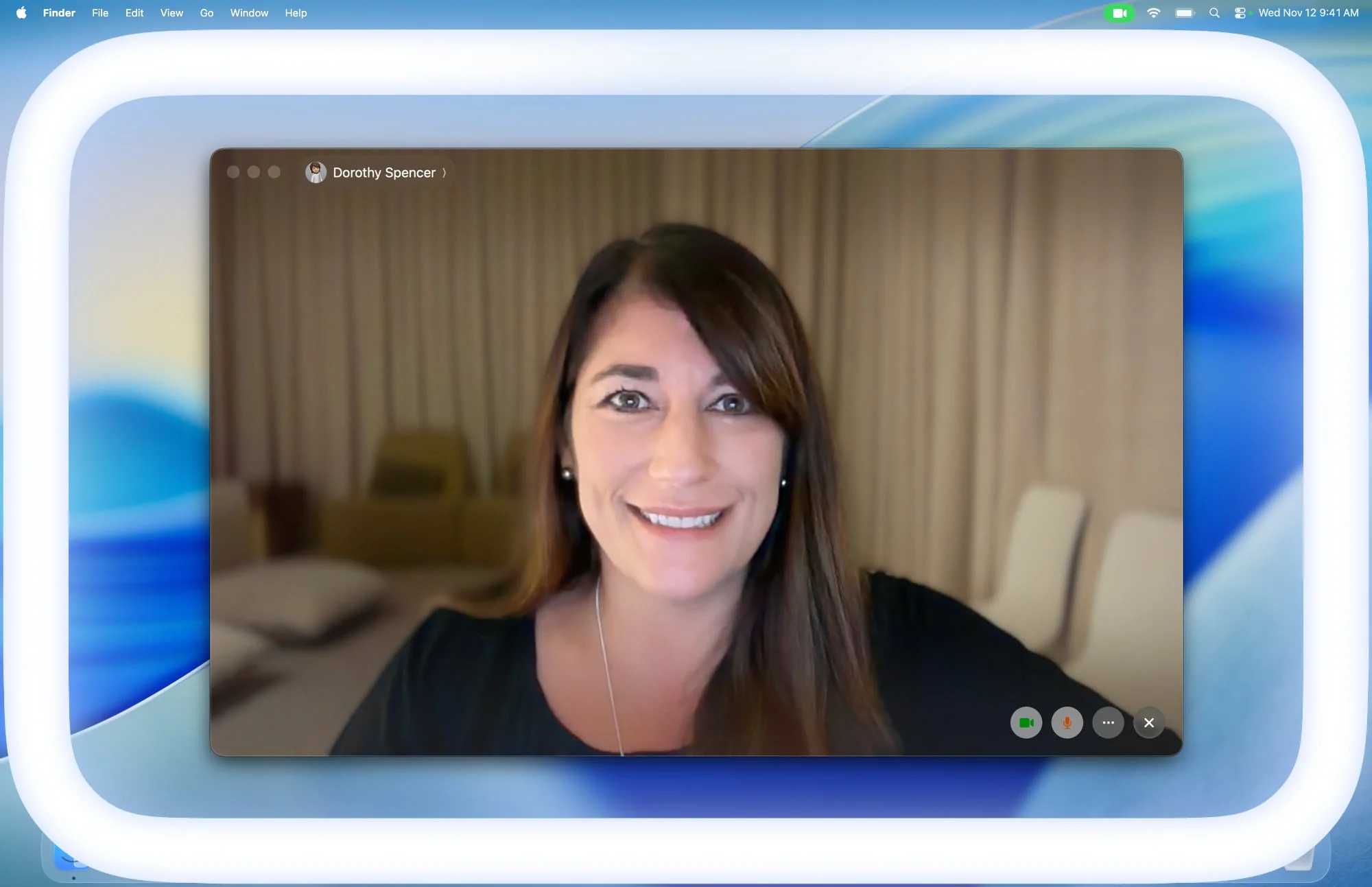
Group FaceTime calls gain Dual Capture, which streams video from the front and rear cameras at the same time. On a compatible iPhone, flipping the camera during a call turns the feature on automatically. Supported models are iPhone 17, iPhone 17 Pro, iPhone 17 Pro Max, iPhone Air, iPhone 18 Pro, iPhone 18 Pro Max and iPhone Duo. The iPhone Duo also gains USB-C Apple Pencil support and Edge Light, which illuminates your face during video calls. Apple first introduced Edge Light on macOS; here’s how to use it on iPhone Duo.
Profiles and reminders add personal touches
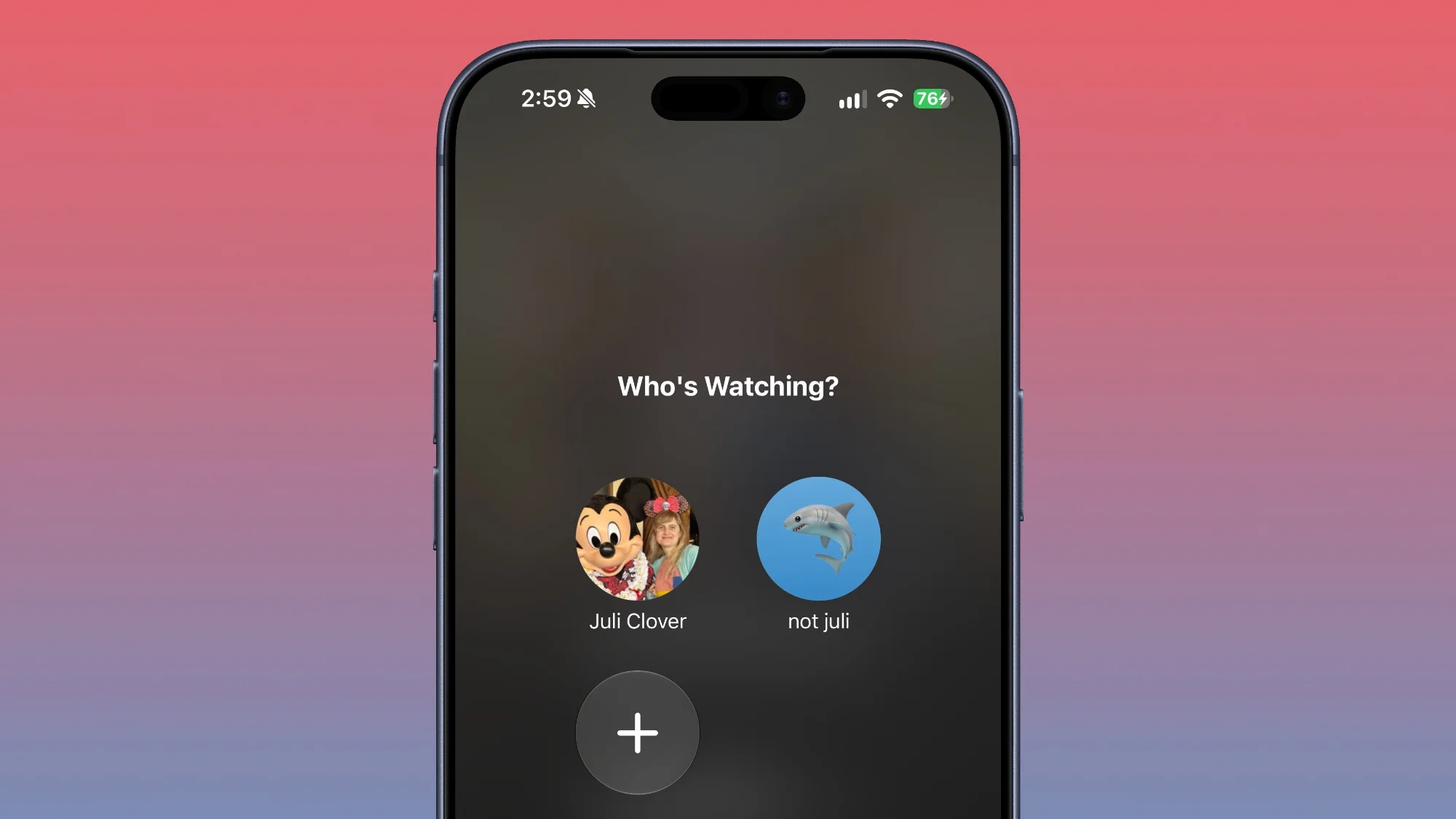
iPhone and iPad users can create profiles for Apple TV from account settings. Each profile needs a name and an adult or child designation. Child profiles default to a PG content rating, with options to choose age ratings for TV shows and movies.
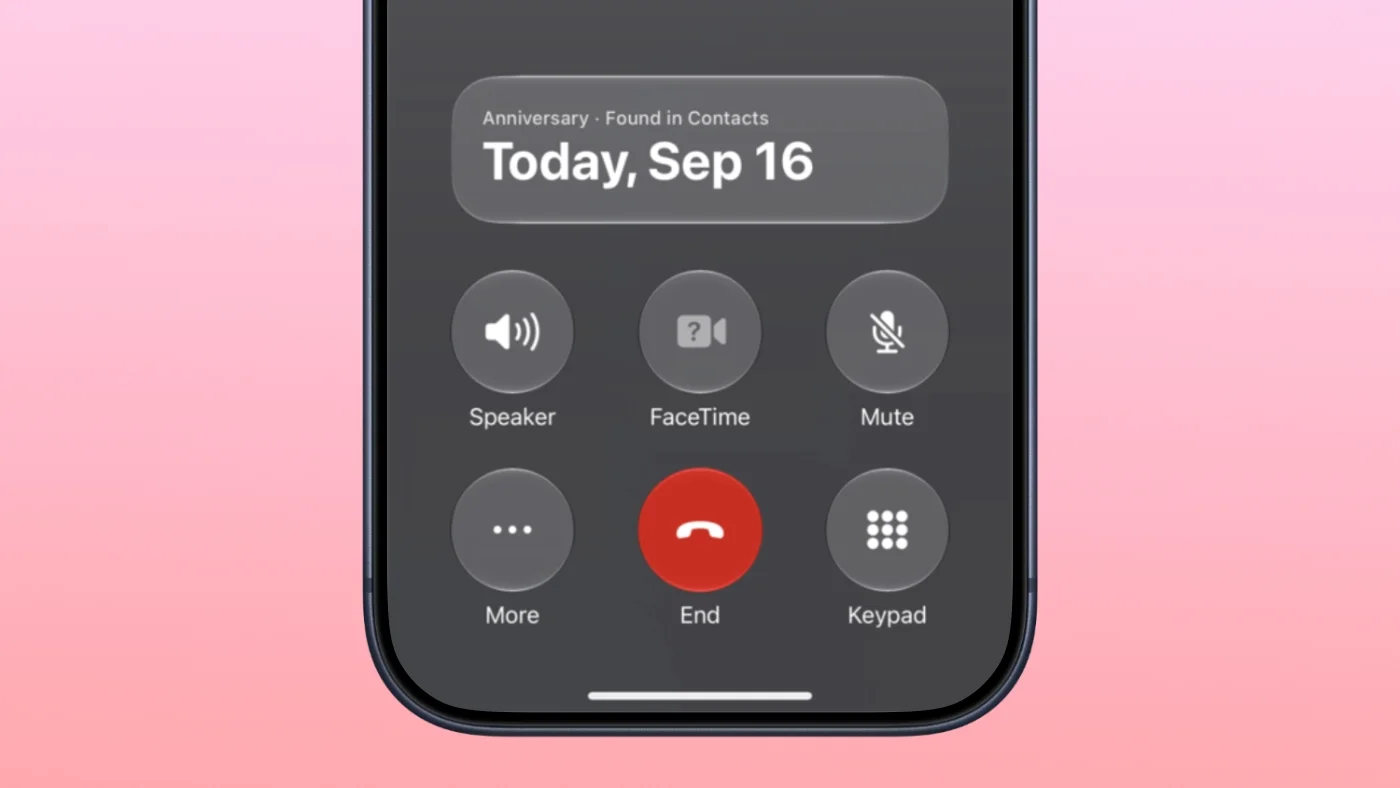
Call Context can remind you of a contact’s anniversary during a call, provided you’ve added the date to their contact card. In Contacts, select the person, tap “Edit,” choose “add date,” then select anniversary.
For players, the Games app’s Friends tab now explains friend suggestions and shows recent games on friends’ player pages. Taken together, iOS 27.2’s most useful changes make the phone better at connecting personal context to the next action, while widening access to shared viewing and calls.
This article, "14 New Things Your iPhone Can Do in iOS 27.2" first appeared on MacRumors.com
Discuss this article in our forums ===END===