2026 MacBook Pro OLED Display Reaches 2,000 Nits and Weighs Less
|
5 min read
Brightness is the real OLED story
OLED in a laptop isn’t new. The screens have been around for years, a touchscreen OLED laptop can cost as little as $700, and the iPad Pro made the switch in 2024. What’s different about Apple’s 2026 MacBook Pro is the brightness: its OLED panel can reach 2,000 nits in both standard and high dynamic range content. That’s a bigger change than the word “touchscreen” suggests. Apple took more than a decade to bring touch and OLED to the MacBook Pro. The company’s explanation, in effect, is that it wanted to do it “the Apple way.” After seeing the display at a media event in Los Angeles, I think the payoff is more convincing than the slogan. The screen is unusually bright, and it preserves the deep blacks OLED is known for.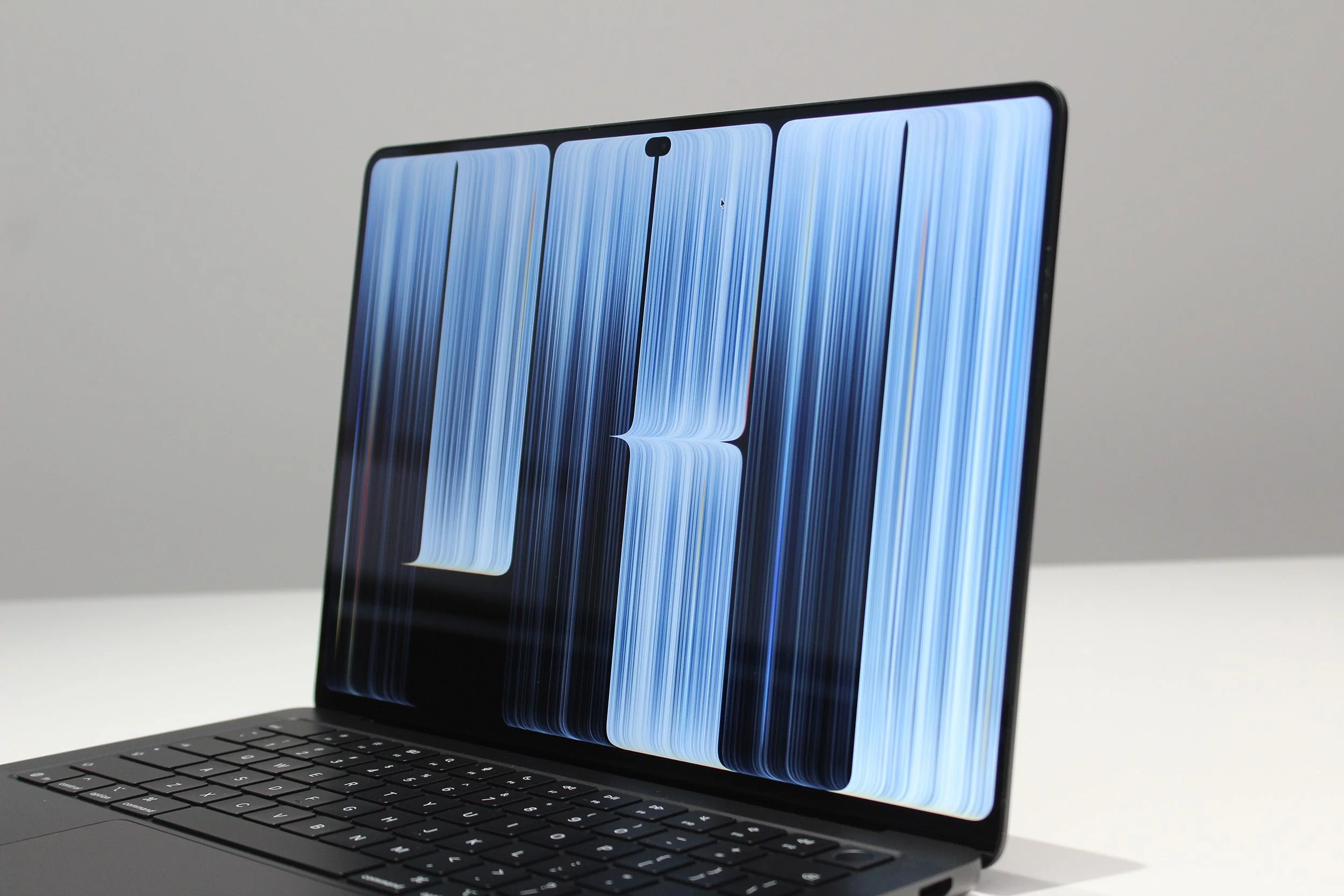 Apple uses tandem OLED, the same approach found in the iPad Pro, where layers are stacked to improve the panel. But this MacBook’s screen has been redesigned, including its manufacturing process, to push brightness further. Apple calls it PROLED XDR—a hefty name for a practical distinction: you see that brightness on ordinary webpages and wallpaper as well as in HDR movies.
The comparison helps explain why the number matters. A budget OLED laptop typically tops out around 300 nits. More expensive models may reach 1,000 nits, but generally only for especially bright, colorful HDR material in select apps, videos, or games. The iPad Pro can hit 1,600 nits in HDR, while its standard dynamic range brightness tops out at 1,000. The new MacBook Pro reaches 2,000 in either mode.
Nits measure brightness, but the point isn’t a spec-sheet contest. OLED controls each pixel individually, including turning it fully off, so dark areas can appear truly black and contrast stays sharp. For years, OLED’s weakness was that it couldn’t get bright enough to match mini-LED. Apple kept mini-LED in the MacBook Pro and the Studio Display XDR, where it delivered some of the strongest HDR performance available on a laptop. That trade-off now looks less necessary.
More contrast, less glare—and a lighter laptop
Mini-LED can produce blooming: light from a bright object spills into nearby dark parts of the image, obscuring detail. OLED’s pixel-level control avoids that. At Apple’s event, high-contrast HDR images seemed to fade into the bezel at their dark edges, and a shadowy scene from Widow’s Bay showed how much detail the panel could retain. Those demos were designed to impress, of course, but the underlying advantage is real.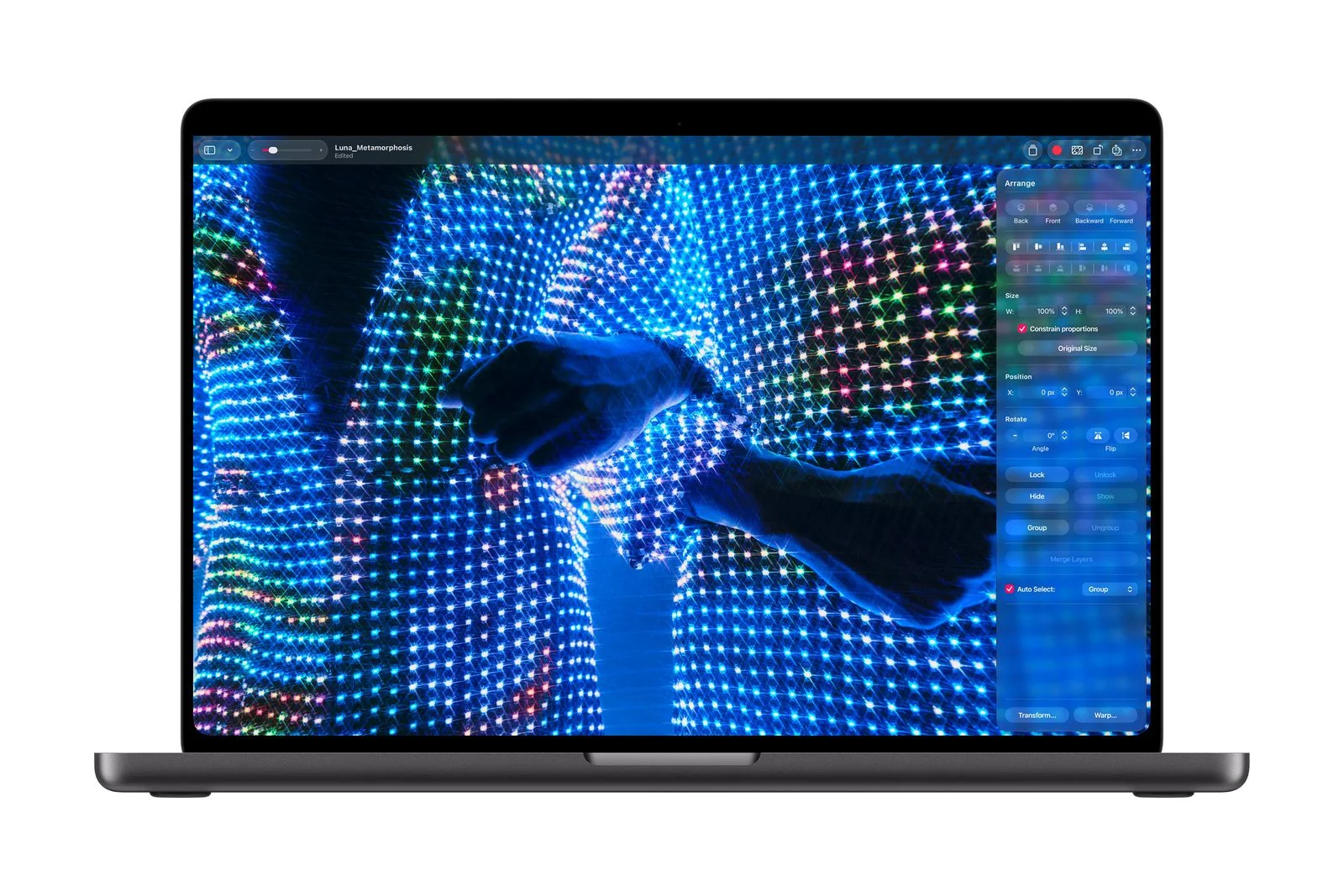 The panel also helps make the 14-inch MacBook Pro lighter. Apple says the computer weighs 3 pounds, 12 percent less than its predecessor, despite keeping the same aluminum chassis. The OLED screen uses thinner, lighter materials than earlier displays.
In Apple’s side-by-side comparison with a high-end Windows laptop, the MacBook’s picture looked better, particularly when viewed from an angle; the Windows screen showed visible rainbow effects at its worst. That’s an event-floor comparison, not a full review, but it points to another part of the experience that raw brightness figures don’t capture.
There’s a limit to that 2,000-nit headline. The display usually runs at up to 1,000 nits, then raises brightness when its ambient light sensor detects that conditions call for it, such as being outdoors or under harsh lighting. The previous MacBook Pro also adjusted brightness this way, though less dramatically. The new model offers 400 more nits of standard-range brightness at its usual ceiling, with room to climb to twice that. It’s a meaningful improvement, but you won’t see the maximum all the time.
Glare is a related problem: deep blacks can make reflections on a dim OLED seem more obvious, sometimes enough to make the screen feel mirror-like. The MacBook’s brightness helps counter that, and Apple has added an anti-reflective coating. The company calls it “state-of-the-art”; I can’t verify that claim from a brief demo, though the coating looked better to me than any laptop screen I’ve seen. For even less reflection, both the 14-inch and 16-inch models can be ordered with optional nano-texture glass, which etches the anti-reflective pattern into the display.