Oh My Hours Tracks Lost Time From Distracting Apps
Oh My Hours Turns Screen Time Into a Ledger of Lost Hours
Phone makers already offer tools to track device use: Google calls its Android feature Digital Wellbeing, while Apple’s is Screen Time. A crowded field of third-party apps takes a similar aim at phone habits, but Oh My Hours makes the cost feel more immediate. Instead of tallying minutes on Instagram or TikTok, it marks whole hours as lost when you spend too much time in apps you’ve flagged as distractions.
That’s a sharper message than another weekly screen-time report. If you’re trying to change your habits, seeing a day reduced to blackened hours may hit harder than a list of app totals. It may also backfire: Once an hour is marked lost, you might decide to fill the remaining minutes with more scrolling. The app’s design makes that tension hard to ignore.
Oh My Hours is an iOS app, with no Android version indicated. You can use it for free; a $10 annual subscription or $20 lifetime payment unlocks options such as setting your own threshold for a lost hour and viewing monthly and yearly summaries. Its basic premise is simple: choose distracting apps by category or one at a time, then the app flags an hour if your use passes the threshold set in its settings.
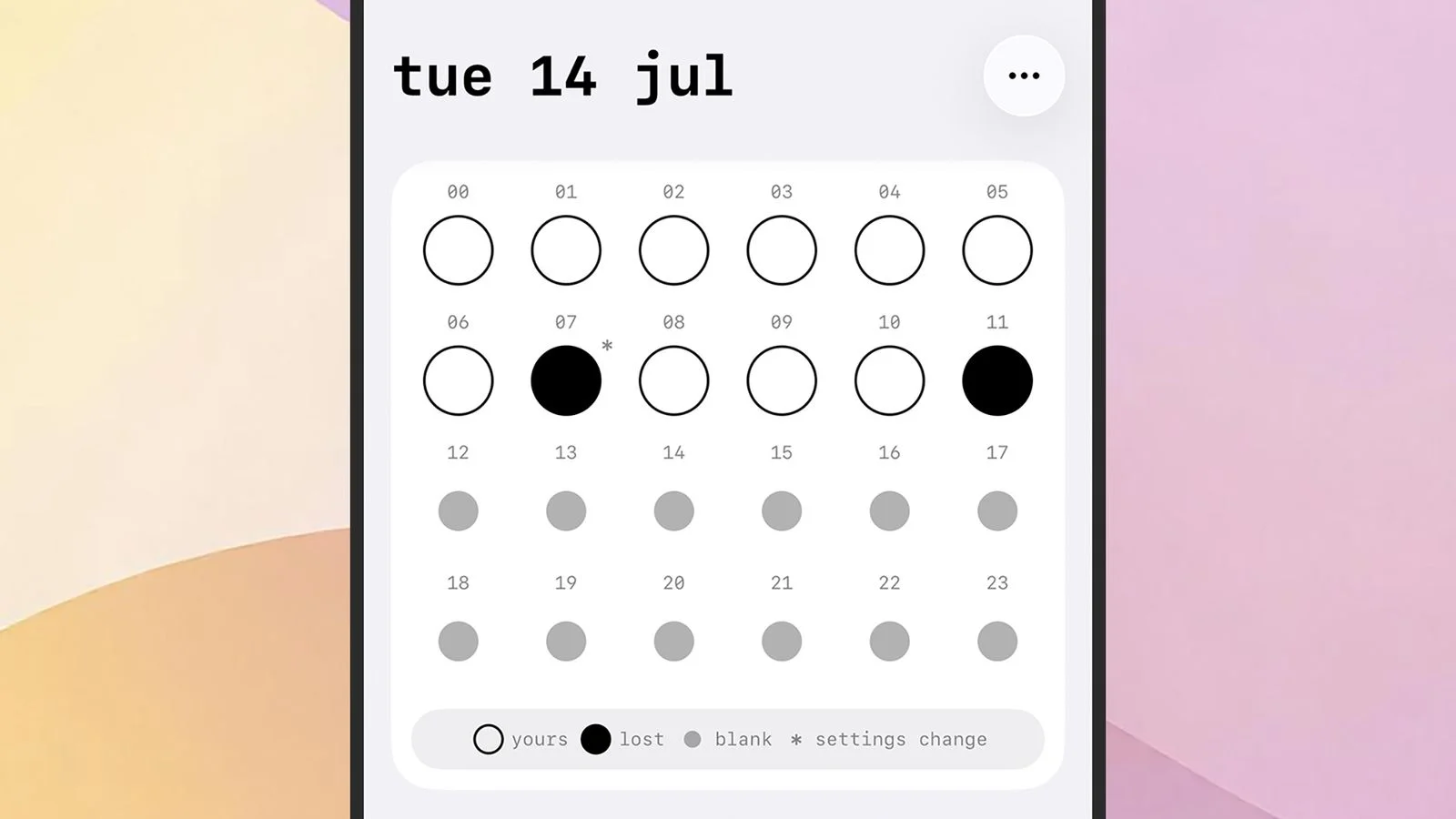
The main screen lays out the day as a row of circles, with black circles marking hours you’ve lost to distracting apps. The default threshold is only seconds, a deliberately strict setting that could discourage you from treating each new hour as a fresh allowance for scrolling. Subscribers can adjust it. You can also schedule quiet hours, when opening a flagged app marks every hour in that period as lost, or clear an hour if the app recorded a mistake. A CSV export lets you take the usage data elsewhere.
Here’s the catch: The app’s bluntness is both its appeal and its risk. Looking back over a week or month could make habitual scrolling more visible, but a harsh scorecard won’t automatically change what you do next. The tool is worth considering if you respond to direct feedback; if you prefer a lighter nudge, other apps take a different tack.
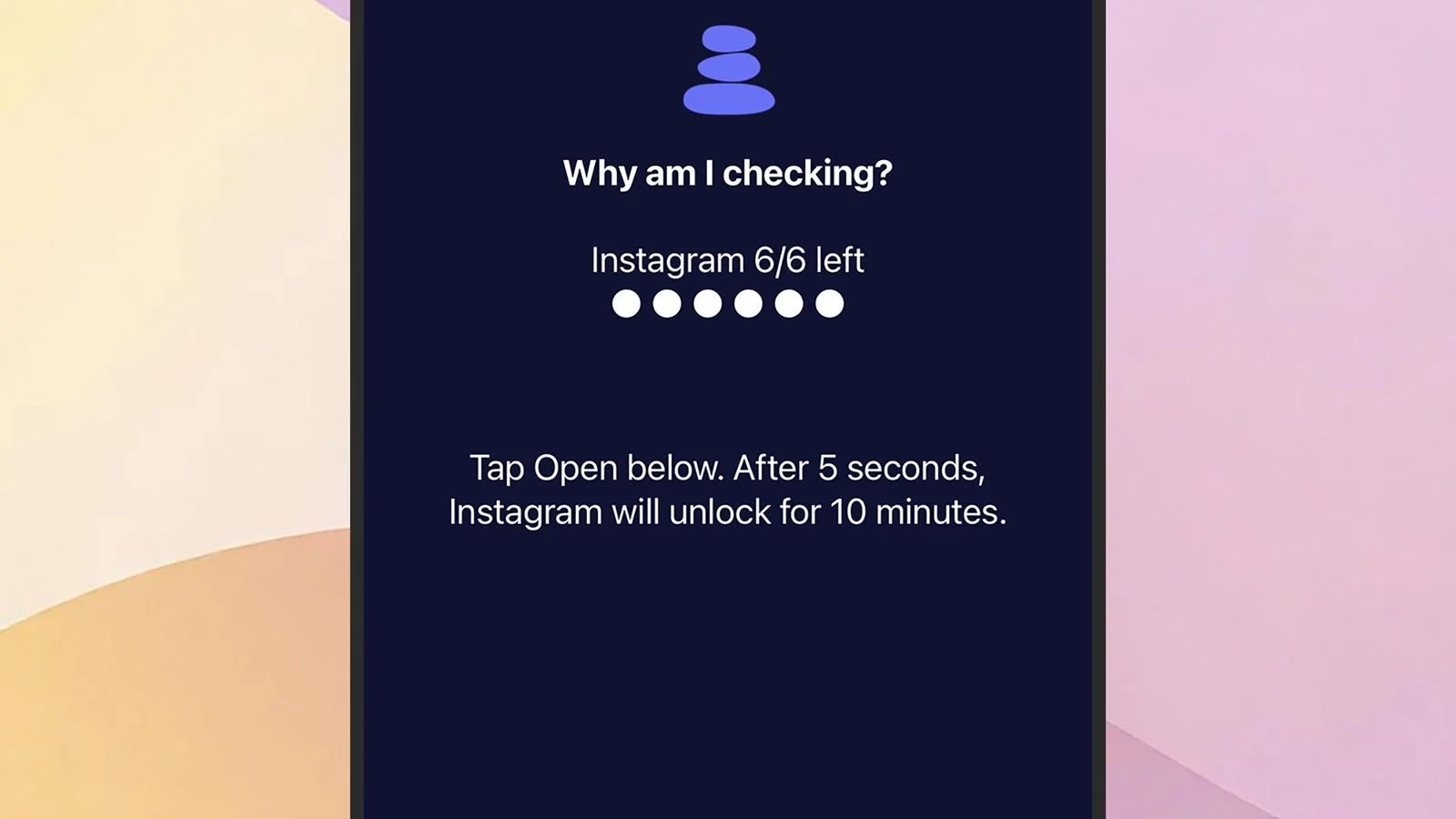
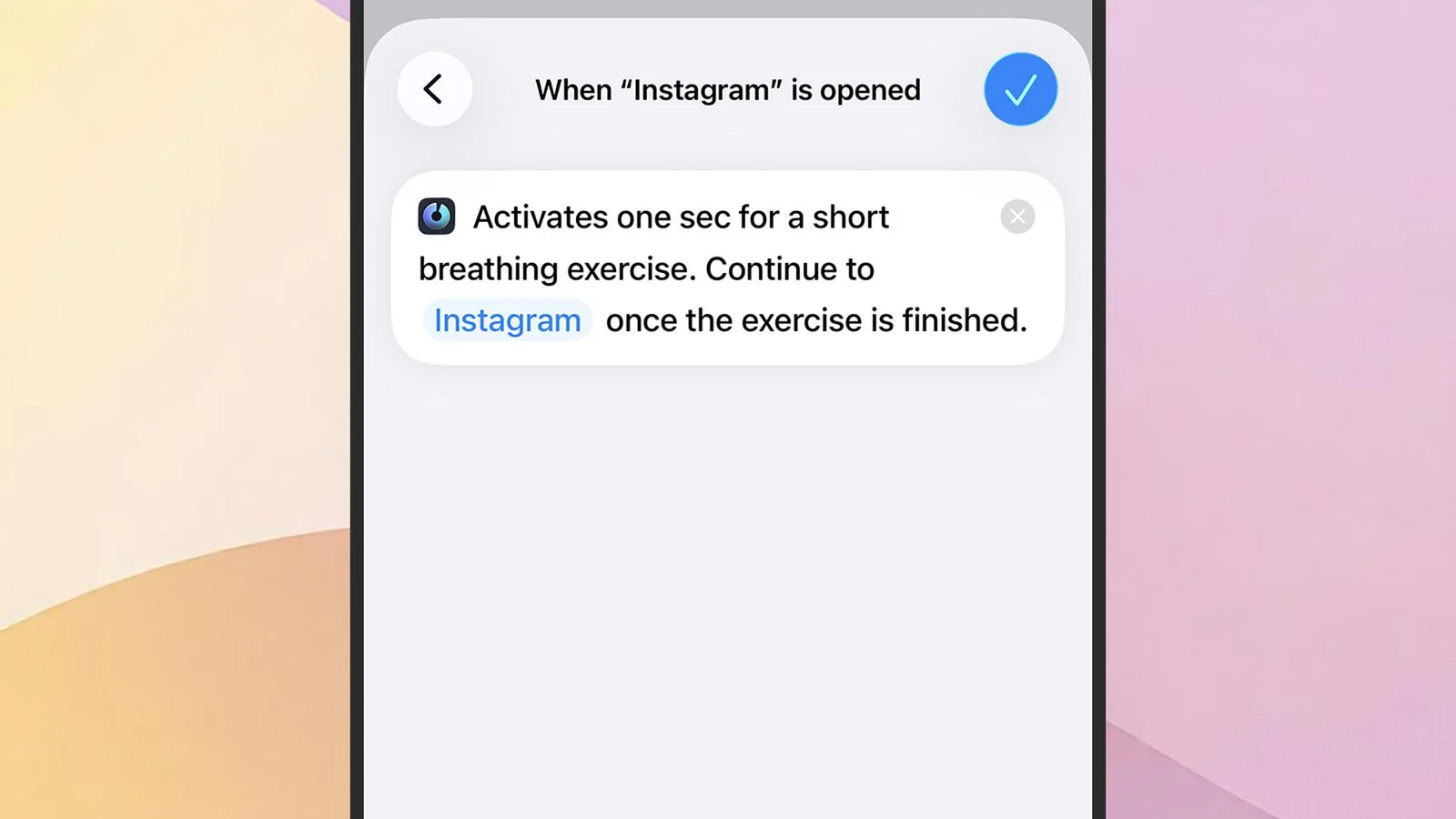
One Sec, available for Android and iOS, inserts a breathing exercise before opening apps you choose. You can use it for free, while a $20 annual subscription adds features including full app blocking and more detailed time tracking. The small pause is intended to help interrupt the impulse to open an app, and the developer points to research supporting its approach.
App blockers work best when they add friction
Forest turns staying off your phone into a growing virtual forest. I’ve found that small reward useful when I’m trying to cut back; the developers also fund real tree planting. Its core focus timer is free, while features such as custom themes and allowlists cost at least $6 a month. It’s available for Android and iOS. ScreenZen takes a more direct approach, putting speed bumps between you and distracting apps. You can choose timed pauses with motivational prompts, math challenges, or standard app and timer blocks. It’s free on Android and iOS; donations are optional, though worth considering if the app helps.