Opera One Adds On-Device AI Models and Interactive HTML-in-Canvas Scenes
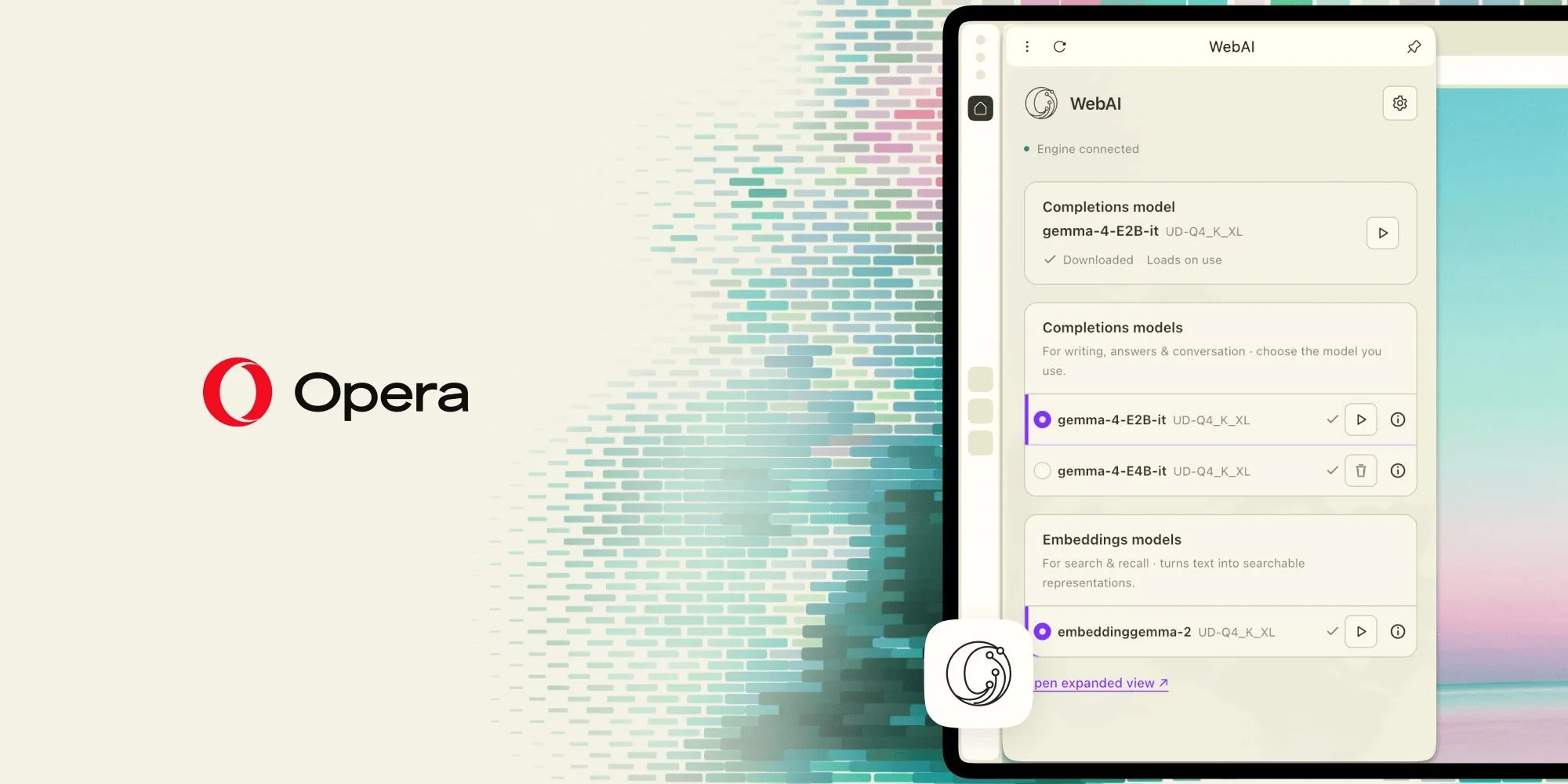
Opera is adding two capabilities to its browser: access to AI models running on the user’s device, and a way to place working web pages inside 2D and 3D scenes. The WebAI feature is available as a preview in Opera One; Opera says Opera GX and Opera Neon will follow. These additions reach into different parts of browser use: one changes where some AI processing happens, while the other changes how developers can present familiar web interfaces. Both are early-stage features, so their immediate value depends on what developers build with them.
Local AI through WebAI
WebAI is a proposed standard that lets websites and browser extensions access AI models hosted by the browser and run locally. Opera’s implementation supports different models, with Google’s Gemma available at launch and Apple’s on-device foundation model available on Macs. In practice, that makes the browser a route between a website or extension and the model available on a user’s computer. The proposal’s value will depend on how consistently browsers and developers support that route, and on which models a given device can run.
That setup could give developers a way to add model-based features without operating their own AI infrastructure or paying for each request. Opera points to extensions that could organize tabs, flag clickbait, or identify relevant job listings. These are familiar browser tasks, but they involve interpreting information across pages rather than simply displaying it. Running them locally could reduce the need to send a request to an AI service for every action, though the actual usefulness will depend on the model and the quality of each extension.
Those tasks would run on the user’s computer, without an account or a request sent to an AI service. That’s a meaningful design choice for people who’d rather keep some activity on their device, though local processing doesn’t by itself tell users what information an extension can access or how it handles results. The feature is opt-in, doesn’t require a subscription, and lets users choose which websites can access local models. That control gives users a way to limit access, but they’ll still need to understand what each site or extension is asking permission to do.
Opera says WebAI can support text generation, content classification, and finding relationships between information. These describe broad kinds of work, not a guarantee that every model will handle each task well. Developers will have to account for differences between models and devices, and users may see different results depending on what’s available locally. The company describes the proposal as backed by Google and Microsoft, and says users can choose among AI providers. That support may help the idea reach developers, but a proposed standard still has to prove it can work reliably across products.
Opera has published example extensions for exploring WebAI. The early preview gives developers a chance to test browser-based model access while keeping inference on the device. It also gives them a chance to find the limits: which tasks feel useful in a browser, how well they run on different machines, and whether the permission model makes sense to users. The examples are a starting point, not evidence that a broad ecosystem has formed.
Interactive pages inside 2D and 3D scenes
Opera is also introducing HTML-in-Canvas, which lets developers embed functional web pages into two-dimensional and three-dimensional environments. Menus, buttons, and forms remain interactive as the page moves within a scene, and developers can build these experiences with HTML and CSS. That matters because web interfaces already rely on familiar building blocks; developers can bring those elements into a scene instead of recreating every control from scratch. The feature could lower the barrier to experimentation, although making a page interactive in a scene doesn’t automatically make the scene useful.
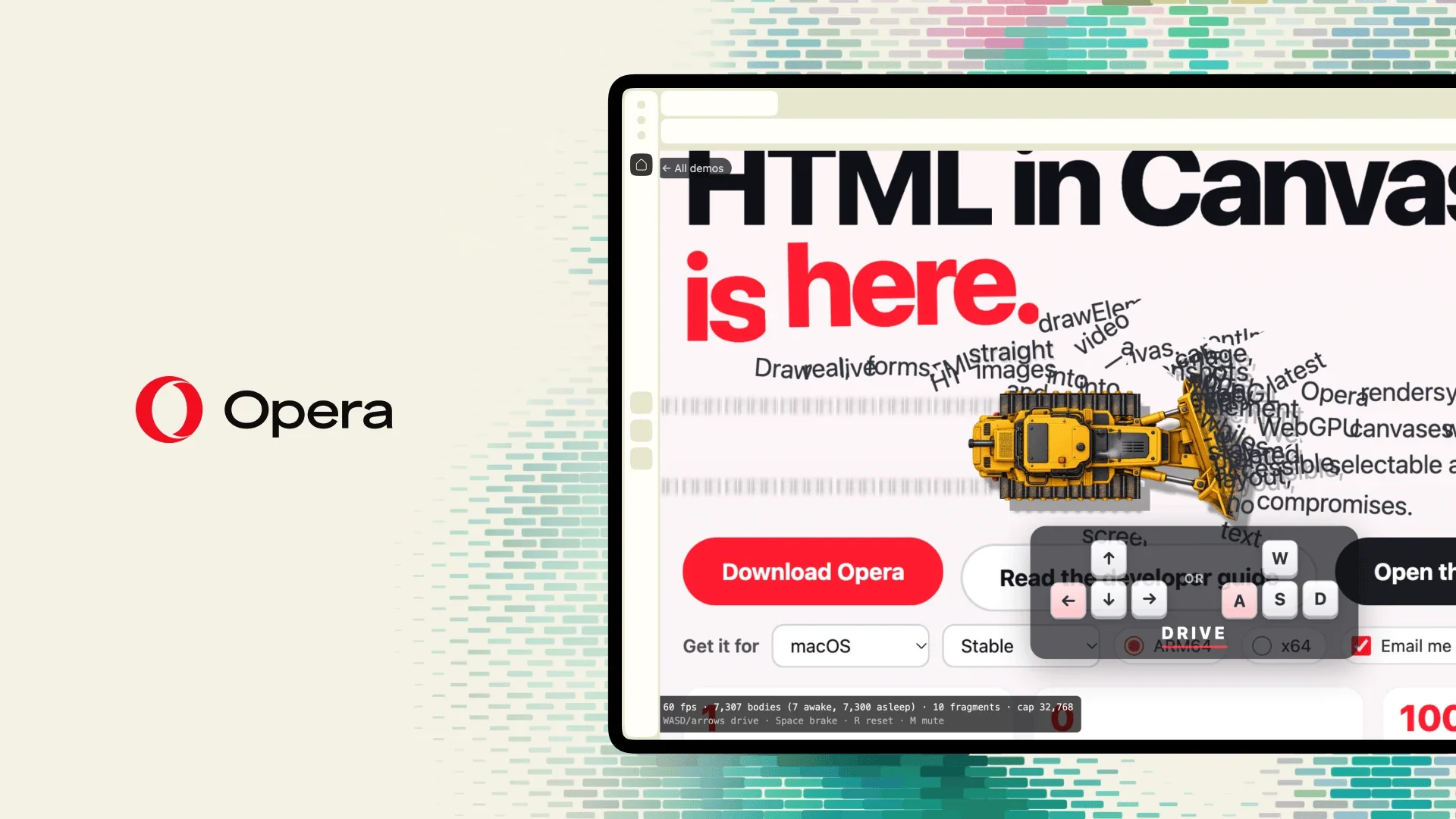
Maciej Kocemba, Product Director at Opera GX, said: “Honestly, this is a fun one […]. You can take a real web page and throw it into a 3D world, and everything still works: buttons, text, menus, all of it. We wanted users to get their hands on it early and see what they come up with.” His description puts experimentation ahead of a defined everyday use. That’s a reasonable emphasis for a preview: developers can test whether moving a live page into a scene adds something beyond visual novelty.
Opera’s demos show two approaches: Webpage Bulldozer turns parts of a page into physical objects, while Gamer Room places screens displaying live web pages in a virtual room. Both run in Opera browsers without additional setup. The demos are available here. One treats page elements as material for play; the other brings ordinary web content into a designed space. These examples show range, but they don’t yet establish how the technique might serve tasks where users need to move quickly through information.
What the previews need to prove
Together, the features point to a browser that can host more of the work behind AI features locally and treat web pages as elements in interactive spaces. They also show Opera testing the browser as a platform developers can build on, rather than only a window for visiting sites. This is more significant than it looks if the tools make useful features easier to create. But the demos alone can’t settle that question; a preview needs developers to find repeatable uses and users to choose them.
Here’s the thing: each idea faces a different practical test. WebAI has to make local model access useful across the devices and models people actually have, while HTML-in-Canvas has to make interaction inside a scene worth the added visual and design complexity. Similar systems typically succeed when they fit into existing habits and solve a clear problem. If you’re working in this space, the interesting question is whether these browser features make common tasks better, not simply whether they can be demonstrated.
And yet, giving developers room to experiment can be valuable even before a clear use case emerges. A browser preview lets them try ideas without committing to a finished product, and Opera’s examples provide concrete starting points. The numbers here are underwhelming in a different sense: there’s no measure yet of adoption or performance in the material Opera has described. For now, the preview will show whether developers find practical uses for either capability beyond the demos. Early curiosity. The harder test comes when people use the features for more than a demonstration.