Firefox Smart Window Adds AI Form Filling and Website Change Alerts
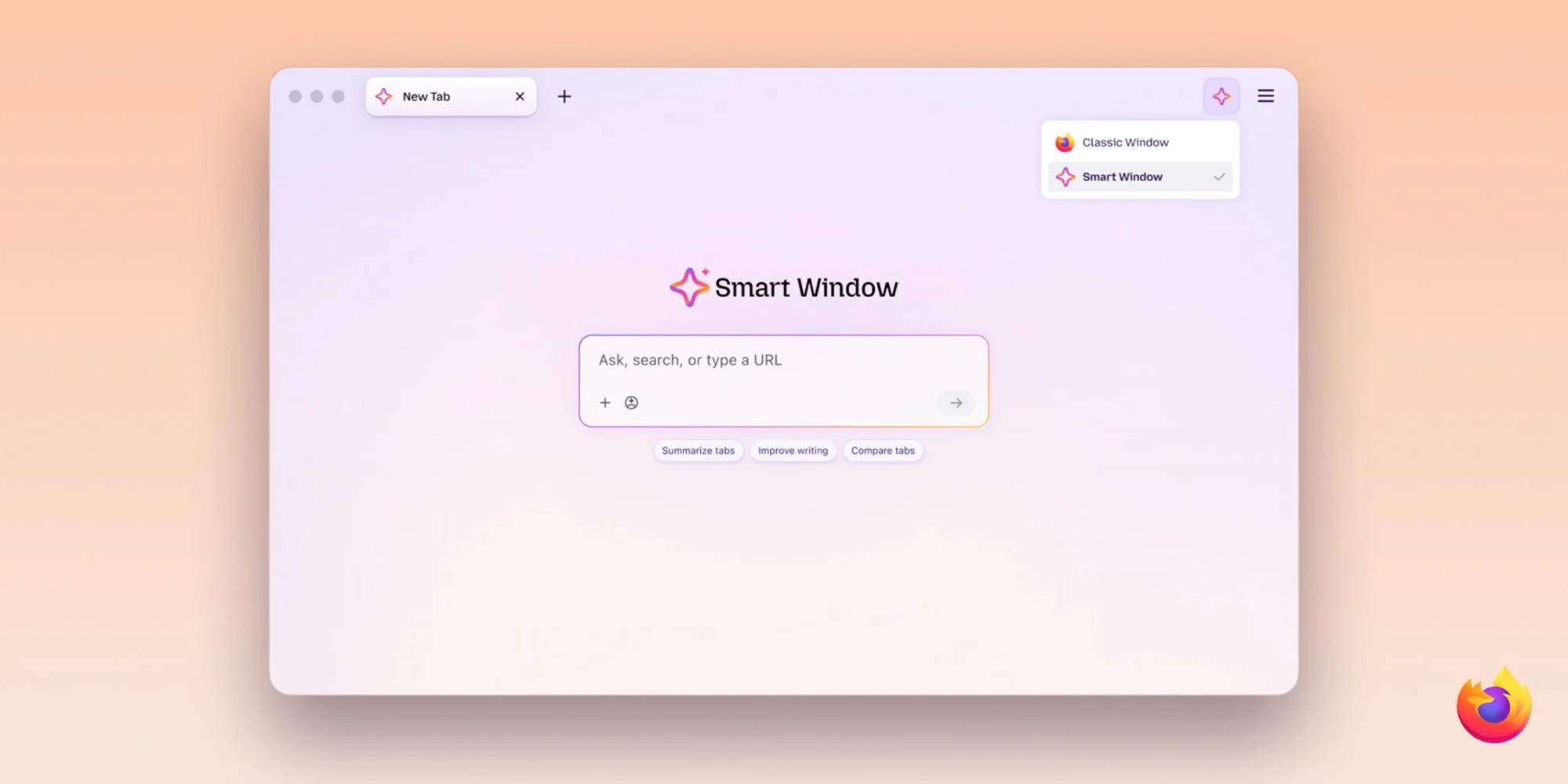
Firefox’s Smart Window is moving beyond answering questions about web pages. Its latest beta features can draft form responses using information from open tabs and watch sites for changes, extending the assistant from a place to ask questions into a tool for recurring browser tasks. That could cut down on repetitive work, but it also means sending page information to an AI model for processing. Convenience is the pitch; the data tradeoff is part of the product.
Form responses drawn from open tabs
Mozilla is adding AI-powered form filling and website monitoring to Smart Window, its opt-in AI browsing experience. The feature began as AI Window, announced nearly a year ago, and has since been renamed and expanded. Earlier additions included AI web search, automatic tab grouping, duplicate-tab detection, and natural-language browsing-history search, as described in Mozilla’s previous feature update. The pattern is clear: Mozilla’s adding a layer that can interpret activity across a browsing session, rather than limiting AI assistance to a single page or query.
The new form-filling tool can use information from selected open tabs to suggest answers. That gives it a broader role than Firefox’s standard autofill, which continues to handle saved basics such as names and addresses without AI. Mozilla says Smart Window could draw on a portfolio or professional profile to populate work history, or draft a response to a prompt such as “Tell me about a time when…” The distinction matters: standard autofill repeats stored details, while this feature tries to interpret source material and shape it into an answer that fits a particular field. Users still need to judge whether that answer is accurate and appropriate before submitting it.
That extra context comes with a data-processing tradeoff: Mozilla uses Google’s Gemini 3.1 Flash Lite to interpret form fields and find relevant details in selected tabs. Information from those pages is shared with the model for processing. The practical boundary is selection: Smart Window’s suggestions depend on the pages a user chooses to provide as context. That’s a more deliberate step than asking an assistant to search broadly through a browser, but it still calls for care when those pages contain personal or work-related information.
Alerts for changes on watched pages
Smart Window’s second addition tracks specified webpages for changes such as a price drop, a product coming back in stock, or a new job listing. Users start a request by typing /watch in the Smart Window chat, then choose daily or weekly checks. Each task can cover up to five pages. The feature turns a page visit into a standing request: instead of remembering to return and check for an update, a user can ask Firefox to look on a schedule. That’s useful for pages where changes matter but don’t require constant attention.
Firefox surfaces matches through the Tasks button in the toolbar, and desktop notifications can provide a direct alert when enabled. Users can keep up to 15 active tasks and edit, pause, or delete them. There are firm limits: monitoring runs only while Firefox is open; tasks pause after 60 days without a match and stop checking after 90 days without a change. These rules shape how dependable the feature can be for any particular need. If you’re waiting on a time-sensitive update, you’ll have to account for the browser needing to be open and for the task’s eventual stopping point.
Mozilla uses Qwen to identify changes that fit a user’s request. The approach resembles Safari’s “Notify Me” feature, but Firefox’s page checks are tied to an open browser and a defined schedule. That makes the setup understandable, though it also sets expectations: this is scheduled checking, not a continuous watch. A notification is only useful if the system can observe the page and recognize the kind of change the user asked about.
A small step toward delegated browsing
The two additions address different kinds of friction. Form filling tries to turn information already open in the browser into a usable draft; monitoring tries to spare users from repeatedly checking the same pages. Neither removes the need for judgment. A suggested answer can miss a relevant detail, and a change alert depends on the system correctly matching what it finds to the request.
This is more significant than it looks, because browser assistants sit close to the information people already use to work and make decisions. That proximity can make them more useful than a separate chatbot, while also making clear data handling essential. (And this is the part most people overlook.) The choice of pages, the model processing them, and the limits on ongoing checks are part of how these features work, not incidental details.
A browser that can help with both one-off answers and repeat tasks is starting to take on a more active role. Still, the current limits keep that role narrow: users select context for form responses, monitoring covers a small number of pages, and Firefox must remain open for checks to run. Useful, with conditions.
Beta availability
Both features are available in the Smart Window beta for Firefox desktop, currently for English-language users in the US and Canada. Mozilla says they’ll reach more markets in the coming months. The company has published details on the features and how to use them. For now, availability is limited by geography, language, and platform, so the beta gives a partial view of how the tools will fit into broader Firefox use.
For browser teams, the practical question is how much useful context an AI assistant can provide while keeping its data handling clear. Smart Window’s new tools make that tradeoff visible: form suggestions draw on selected pages, while ongoing monitoring depends on Firefox staying open. What this means for you depends on the task. If you’re comfortable choosing which pages inform a draft and can keep the browser running for scheduled checks, the features may reduce routine effort; if not, their limits will be more noticeable than the convenience.