M6 iMac vs. M4: Faster Storage, Wi-Fi 7 and More GPU Power
The M6 iMac’s biggest gains sit inside the machine: more CPU and GPU cores, faster storage, and newer wireless standards. Apple says some demanding tasks run substantially faster, but the display, camera, speakers and design carry over from the M4. For current owners, that makes the upgrade a targeted performance choice rather than a fresh all-in-one experience.
Apple’s iMac jumps from M4 in 2024 to M6 in 2026, skipping an M5 model. The new iMac starts at $1,499 in the United States; the four-port version starts at $1,699. That base price is $200 above the M4’s original $1,299 launch price, though the older model’s price had already increased to $1,499 earlier in 2026. Apple announced the M6 iMac on October 27, 2026.
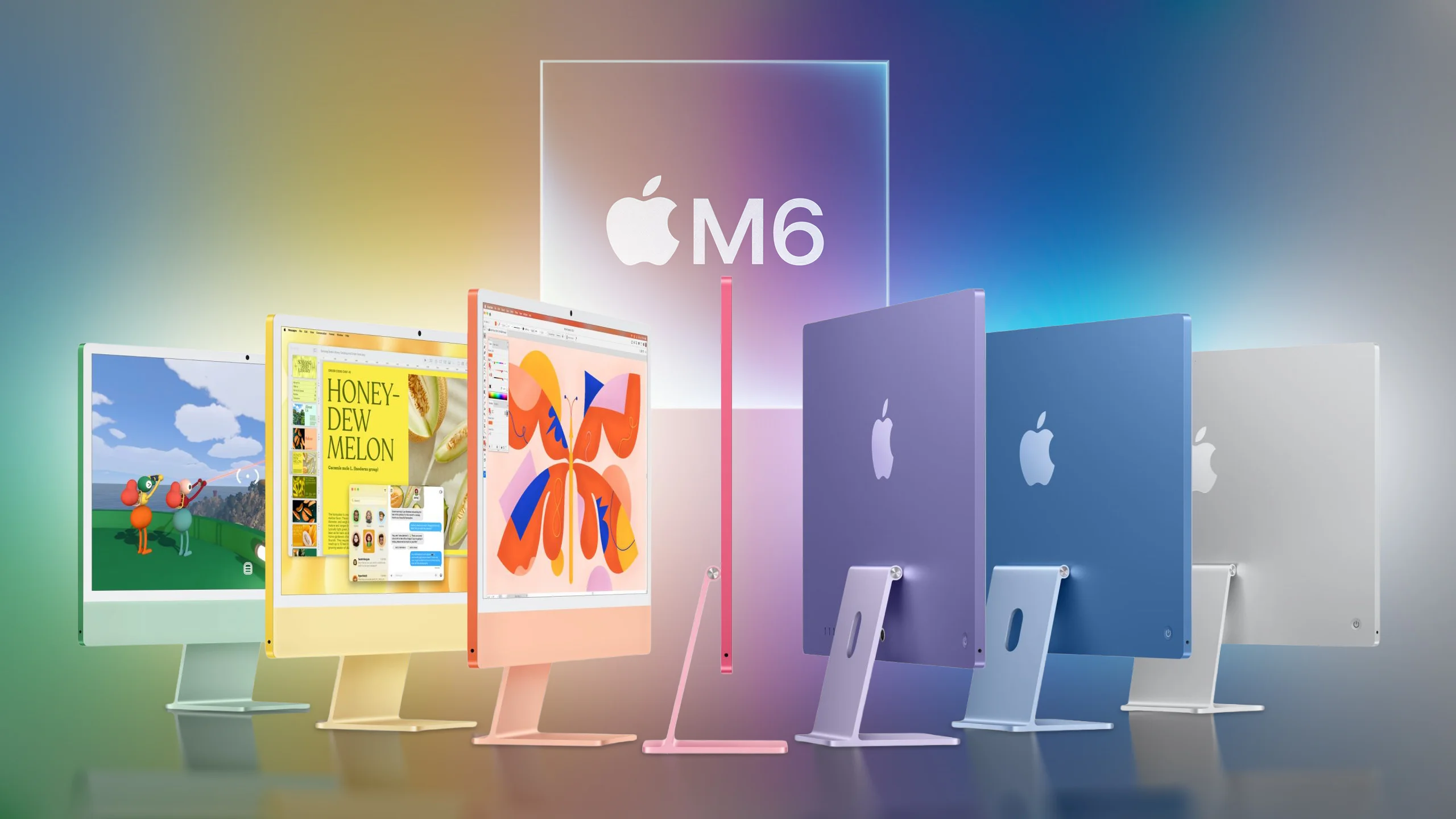
More cores, faster memory and storage
The M6 moves to TSMC’s first-generation 2nm process, from the M4’s second-generation 3nm N3E process. It also replaces FinFET transistors with gate-all-around nanosheet transistors. The chip’s CPU now has three core types—super, performance and efficiency—rather than the M4’s two. Depending on configuration, the M6 offers 10 or 12 CPU cores, compared with eight or 10 on the M4.
Graphics capacity also rises: the two-port model goes from an eight-core GPU to a 10-core GPU, while the four-port model moves from 10 cores to 12. Each M6 GPU core includes a Neural Accelerator, and the chip adds updated Dynamic Caching. Apple says its hardware-accelerated ray tracing can deliver up to twice the gaming performance of the M4.
The M6 has two 16-core Neural Engines, which system frameworks can use at the same time. Its unified memory bandwidth reaches up to 170GB/s, compared with 120GB/s on the M4. Storage gets a less visible but practical upgrade: PCIe 5.0 support enables up to twice the read and write performance.
Apple’s examples suggest the gains depend heavily on the workload. It claims up to 1.5 times faster performance in Microsoft Excel, twice the graphics performance for photo editing in Affinity, five times faster prompt processing in LM Studio, and twice the gaming performance with ray tracing. Those are company figures, not a promise that every app or task will see the same improvement.
Connectivity improves, with different display options by model
The M6 replaces the M4’s Broadcom wireless chip with Apple’s N1. That brings Wi-Fi 7 instead of Wi-Fi 6E, Bluetooth 6 instead of Bluetooth 5.3, and Thread support. Ethernet also moves to 2.5Gb: optional on the two-port model and standard on the four-port model. The M4 offered optional Gigabit Ethernet on the two-port version and included it on the four-port model.
External display support depends on which M6 configuration you choose. The two-port model supports one display at up to 6K and 60Hz, as the M4 did, or a 4K display at up to 165Hz. The four-port M6 supports two displays at up to 6K and 60Hz or 4K and 165Hz. With one external display, it can reach 8K at 60Hz, 5K at 120Hz, or 4K at 240Hz. It can also connect two external displays through a single Thunderbolt port. The M4 four-port model supports two displays up to 6K at 60Hz, or one up to 8K at 60Hz.
Apple also reports changes to materials and manufacturing energy. The M4 uses 100% recycled gold plating and tin solder in multiple printed circuit boards; the M6 extends that to all Apple-designed boards. More than 20% of the M4’s manufacturing electricity came from low-carbon sources, compared with 40% renewable electricity for the M6.
Should M4 owners upgrade?
For most people using an M4 iMac, the performance bump won’t change the day-to-day experience enough to warrant replacing a working computer. Browsing, email, video calls and streaming already sit well within the M4’s capabilities, and the familiar screen, camera, speakers and enclosure remain. The M6 makes a clearer case for people who regularly work in demanding creative apps, process prompts locally, or play games that use ray tracing.
Wi-Fi 7 and faster Ethernet may matter if network performance is a real bottleneck, but the rest of the network equipment needs to support those speeds too. For everyone else, these upgrades are unlikely to reshape routine use. My read: M4 owners should focus on whether a specific workload is holding them back, rather than the new chip generation alone.
Which iMac makes sense for a new buyer?
When comparable configurations are close in price, the M6 is the more capable long-term purchase. Its extra processing headroom, display options and faster storage give demanding apps and games more room to grow. But a significantly discounted M4 remains a sensible family computer: most households will get much the same everyday experience, and the savings may matter more than performance they rarely use.
This article, "M4 vs. M6 iMac Buyer's Guide: Should You Upgrade?" first appeared on MacRumors.com
Discuss this article in our forums