M6 MacBook Pro Adds 2nm Chip, Wi-Fi 7 and Faster Display Support
The M6 makes Apple’s entry-level 14-inch MacBook Pro faster and better connected, but leaves the basic buying decision largely unchanged. Its new 2nm chip and Wi-Fi 7 stand out on the spec sheet; the design, starting memory and battery life carry over from the M5.
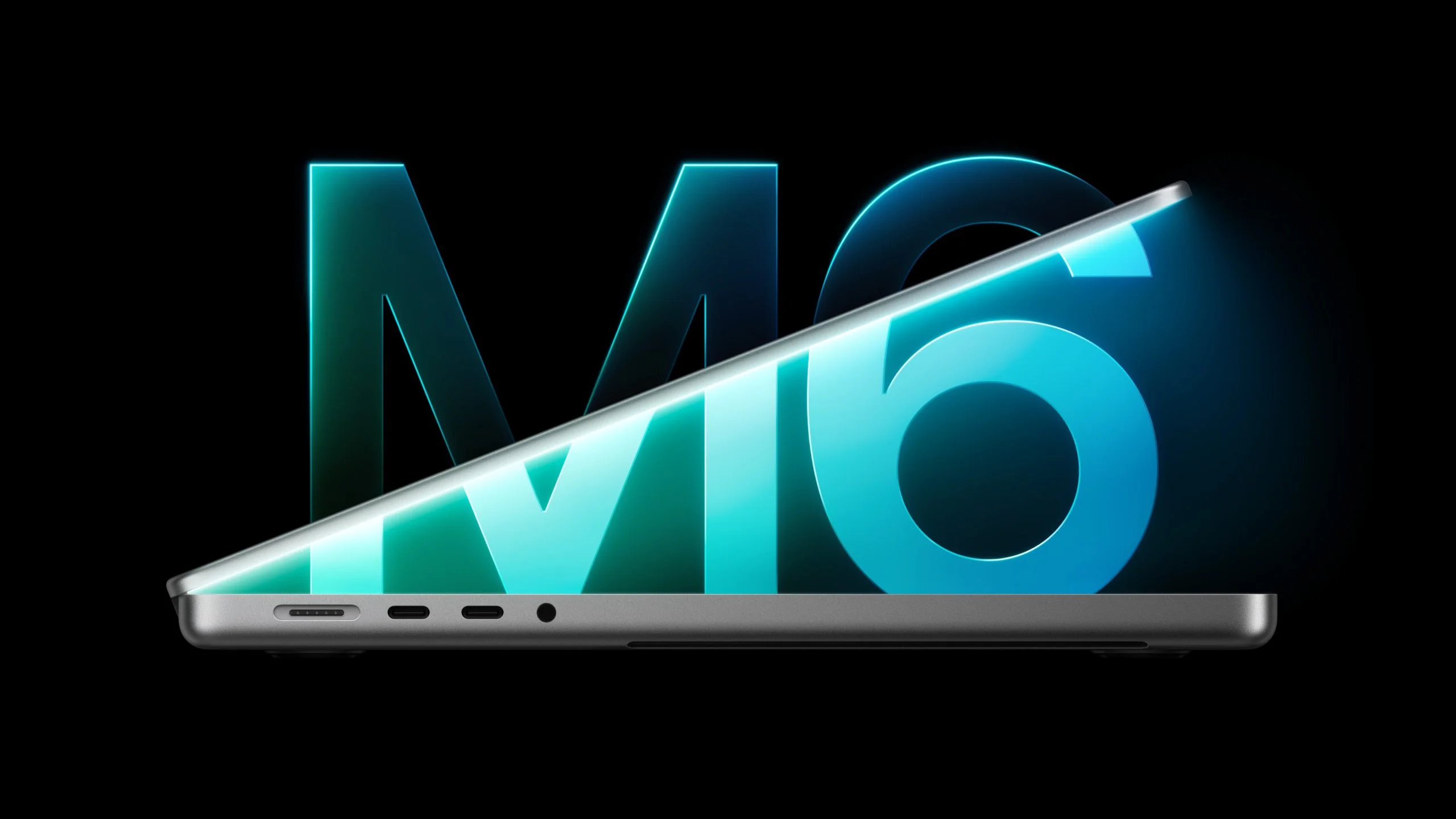
Apple replaced the entry-level model with the M6 at $1,999, the same price as the M5’s current starting point. That price has climbed from the M5’s original $1,599 launch: Apple made 1TB of storage standard in March, raising the price to $1,699, then lifted it to $1,999 in June amid rising memory and storage costs. The M5 originally had a 512GB option, which Apple removed in March.
More cores, a new chip design
The M6 is built on TSMC’s first-generation 2nm process, replacing the M5’s third-generation 3nm process. It also moves from FinFET transistors to gate-all-around nanosheet transistors. Apple adds two CPU cores, bringing the total to 12, and changes the core mix: the M5 has four super cores and six efficiency cores, while the M6 has two super cores, four performance cores and six efficiency cores.
Graphics hardware grows from 10 to 12 cores, with a Neural Accelerator in each GPU core. The M6 also gets an updated shader core architecture and third-generation Dynamic Caching, up from the M5’s second generation. Its Neural Engine doubles from 16 to 32 cores, arranged as two 16-core units.
Memory bandwidth depends on the M6 configuration. Both generations provide 153GB/s at 16GB of memory, but M6 configurations with 24GB or 32GB reach 170GB/s. Both models start with 16GB of memory and 1TB of storage.
Connectivity gains, familiar limits
The M6 upgrades wireless networking to Wi-Fi 7 and Bluetooth 6, using Apple’s N1 wireless chip in place of the M5’s Broadcom hardware. It adds Thread support, too. External display support rises from two 4K screens at up to 144Hz each to two at up to 165Hz.
Those changes sit alongside a largely unchanged laptop. The M6 keeps the M5’s design and offers the same maximum battery life of 24 hours. There’s no increase in starting memory, no extra ports and no longer battery runtime.
Should M5 owners upgrade?
For current M5 owners, the M6 looks like a modest refresh. The added processing headroom and wireless features may matter to people whose work or network setup can use them, but the shared design and unchanged memory baseline limit the day-to-day difference. If your M5 already handles your workload, the new chip alone is a slim reason to replace it.
Owners who can wait may want to see what follows: a redesigned entry-level MacBook Pro with an M7 chip is reportedly planned for as early as the first half of 2027.
Choosing between M5 and M6
For buyers moving from an Intel Mac or an older Apple silicon model, the M5 and M6 share the features likely to shape the experience most. Price, memory and storage should guide the choice more than the generation number. At similar prices and configurations, the M6 is the easy pick: it brings a newer chip and stronger connectivity without a price premium.
A discounted M5 may be the better value. Used and refurbished listings could include the discontinued 512GB configuration, which may suit buyers who don’t need 1TB of internal storage. The M6 has no equivalent lower-capacity option. A well-priced M5 with enough memory and storage remains a sensible buy; choose the M6 when comparable models cost about the same.
This article, "M5 vs. M6 MacBook Pro Buyer's Guide: All Differences Compared" first appeared on MacRumors.com.
Discuss this article in our forums.
===