macOS 27.2 Adds Five Siri Languages and Fixes Xcode Beta Crashes
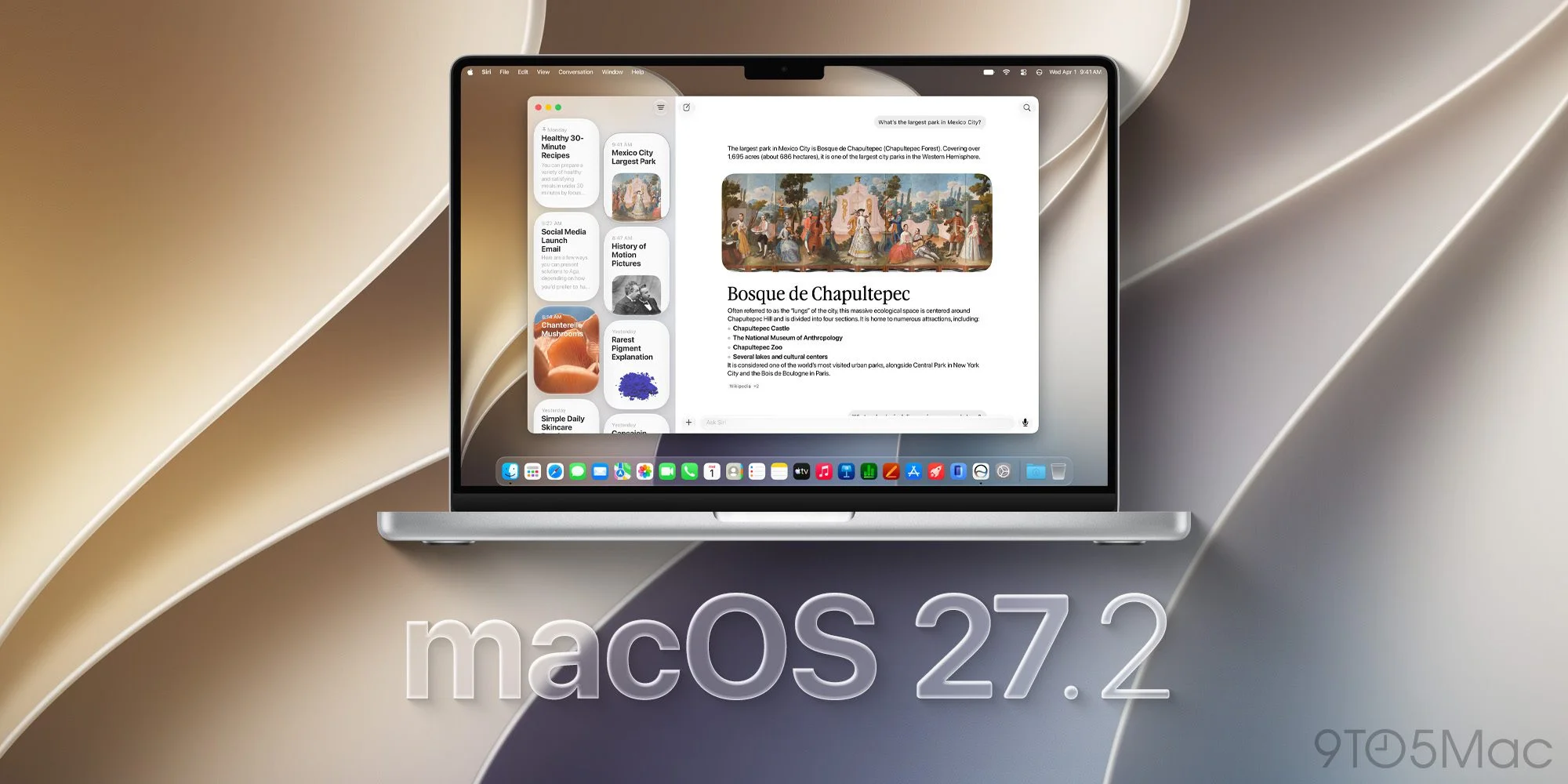
macOS 27.2 Golden Gate’s most visible change is a wider reach for Siri AI: the assistant now supports French, Japanese, Korean, Portuguese, and Spanish alongside English. That broadens access to a feature that launched in the 27 software cycle with English support, though the release notes don’t describe changes to what Siri can do in those languages. Apple’s notes also flag developer fixes and issues Mac teams should account for during rollout. For users, that makes 27.2 a mix of a clear headline feature and less visible maintenance.
Siri expands, while Mac gestures hint at what’s next
Apple announced the five additional Siri languages at its “Surprise and Shine” event last September. They arrive with macOS 27.2 and the corresponding updates across Apple’s operating systems, extending the feature beyond the English support available at the launch of the 27 software cycle. Wider language support can make an assistant useful to more people in their preferred language, but availability alone doesn’t establish how well it handles different accents, requests, or regional phrasing. Apple’s release notes offer the language list, not a deeper account of those differences.
The update also adds gesture recognition tools to several built-in apps. That work may point toward Apple’s expected touchscreen MacBook Pro, which the company is set to announce Wednesday at its “Pro and Tell” event. For now, the release provides a clue about Apple’s direction rather than confirmation of how touch will work on a Mac. Gestures in existing apps show that Apple is building support for touch input in some form; they don’t tell users whether the experience will be central to the interface or limited to particular tasks.
Apple Music gets a smaller visual change: its app icon switches from red and white to black and white. The update lands as Apple introduces a sound-inspired, colorful identity for the service, though it hasn’t said whether that design will replace the new icon. Apple carried a rebrand into an app icon with Apple TV, but the Music app’s next step remains unclear. For now, the mismatch leaves users with a new icon and no clear explanation of how it fits the service’s broader visual direction.
Release notes cover developer fixes and rollout issues
The release notes confirm that Apple fixed an Xcode crash triggered by code completion in the macOS 27.2 beta. The SDK for this macOS version is bundled with Xcode 27.2, tying the OS update to the tools developers use to build and test apps. A crash in code completion can interrupt routine editing, so its repair matters even if it won’t be visible to most Mac owners. Apple also removed the AppKit user default EnablePasteboardPrivacyDeveloperPreview, a change developers using that setting should account for when updating their workflows.
One beta problem isn’t addressed in the published notes: users had reported that windows in Electron apps could stop responding to drag attempts. The issue appeared fixed in last week’s Release Candidate, although that build differed from the public release, numbered 26B123. That leaves some uncertainty for teams that need to distinguish between a fix observed in a prerelease build and one confirmed in the version now available. Mac users with beta updates enabled may need to turn them off to see the new build in Software Update.
Apple lists several issues that remain. With an external display connected, macOS might fail to restore display settings correctly and change the arrangement, which can disrupt a workspace that depends on a particular screen layout. A clean installation may also skip notification permission prompts for apps including Calendar, Maps, Find My, Home, and Weather; users can enable alerts manually in System Settings > Notifications. In Shortcuts, “Describe a Shortcut” may return the error “Something went wrong. Try again later.” These are different kinds of friction, but each is worth checking during an upgrade if it touches a user’s daily setup.
StoreKit changes matter to app testing
Apple fixed three StoreKit testing problems: introductory offer eligibility now resets after SKTestSession.clearTransactions(); storefront and locale changes propagate through Storefront.updates; and failed purchases no longer show error dialogs when dialogsDisabled is enabled. Each fix affects a test condition developers may rely on to reproduce a purchase scenario. If those conditions behave differently than expected, teams can lose time diagnosing the test environment instead of the app’s own purchase logic.
A subscription bundle edge case remains: attempting an in-app purchase of a subscription that belongs to a bundle may offer the user an option to unbundle instead of returning an error. That’s a practical point for teams validating purchase flows against the new OS. A test that checks only whether the purchase succeeds or fails could miss this unexpected prompt, so the user-facing path deserves a close look too.
What the update means for Mac users and teams
For Mac users, the clearest everyday gain is Siri’s expanded language support. This is more significant than it looks for people who couldn’t use the feature in a supported language before, though Apple hasn’t supplied details here that would let users judge the quality of each language experience. For developers and IT teams, the release notes offer a more immediate checklist: verify external display layouts, check notification permissions after clean installs, and retest affected Xcode and StoreKit workflows.
Here’s the thing: the update’s most noticeable change is also the one with the least operational detail in the notes. Teams can act directly on the listed display, notification, and testing issues, while the broader significance of gesture recognition depends on how Apple uses it in future Mac software and hardware. (And this is the part most people overlook.) A release note can identify a capability without showing how often it will matter in ordinary use.
If you’re working in this space, treat 27.2 as both a feature update and a validation pass: check the workflows your users depend on, then assess Siri language support on the devices and tasks where it matters. The smaller fixes count. The follow-through will determine how much they change day-to-day use.